The demand for online data storage is growing rapidly, and Google One has become one of the most trusted cloud storage solutions. So, What is Google One? It is not just an upgrade to Google Drive; it also offers premium features such as increased storage, automatic backups, family sharing, and many other exclusive benefits. With a variety of storage plans, Google One flexibly meets the needs of individuals, families, and businesses, helping you optimize your storage experience and data security.
What is the Google One cloud storage service?
What is Google One? This is a paid cloud storage service provided by Google, designed to expand storage capacity and offer various exclusive benefits to users. If you are already familiar with Google Drive, Google One is the upgraded version that helps you manage and store data more effectively within the Google ecosystem.
Google One is not just a storage space, but also integrates many additional features to meet the needs of individuals, families, and businesses.
Expanded cloud storage service provided by Google
Google One is designed to solve the storage limit issues that users often encounter with free Google accounts (which only provide 15 GB). With Google One, you can expand your storage space from 100 GB to 30 TB, suitable for all needs from basic to professional.
Key features of Google One
1. Increased shared storage capacity
Google Drive, Gmail, and Google Photos all use the same shared storage space on Google One. This makes it easy for you to manage files, emails, and photos/videos in one single place.
For example: If you store many large emails in Gmail or high-quality images in Google Photos, Google One provides enough capacity so you don't have to worry about running out of space.
2. Specialized technical support from Google
Google One users receive direct support from Google's team of experts 24/7. This allows you to resolve any issues related to your account, security, or data management quickly and effectively.
3. Share storage with family (up to 6 people)
One of the standout advantages of Google One is the ability to share your storage plan with 5 other family members.
→ Each user has a separate account, unaffected by others' data, but shares the same storage capacity, which helps save costs and optimizes data management for the entire family.
4. Additional benefits
- Google Store offers: Discounts or cashback on purchases of Google products and services.
- Secure VPN: For plans of 2 TB or more, Google One provides a free VPN service to protect your personal information while you browse the internet.
- Automatic backup : Data from your phone (Android or iOS), such as photos, videos, contacts, and messages, is automatically backed up to Google One, so you don't have to worry about losing data when switching devices.
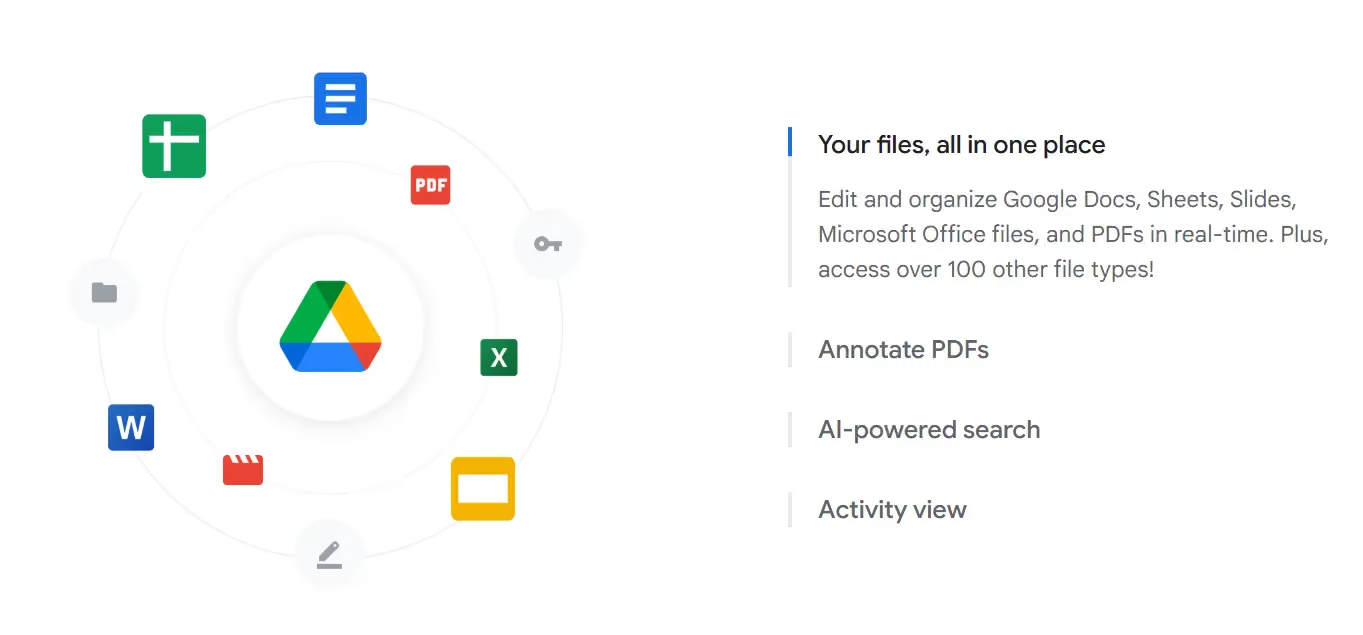
Distinguishing between Google One and Google Drive
When it comes to Google's cloud storage, many users easily confuse Google Drive and Google One. Although both are data storage services, they serve different purposes and have notable differences. Below is a detailed analysis to help you better understand.
Google Drive – Free cloud storage platform
Google Drive is the basic cloud storage service that Google provides for free to all users with a Google account. It is a popular choice for individuals or small businesses to store, share, and manage data online.
Key features of Google Drive:
- Free 15 GB of storage: Every Google account is granted 15 GB of free storage to use across Google Drive, Gmail, and Google Photos.
- Basic storage features:
- Store and manage documents, images, videos, and emails.
- Easily share files and folders with others.
- Sync data across multiple devices.
- Limitations: Once you run out of free storage, you cannot upload more data without deleting existing files or upgrading to Google One.
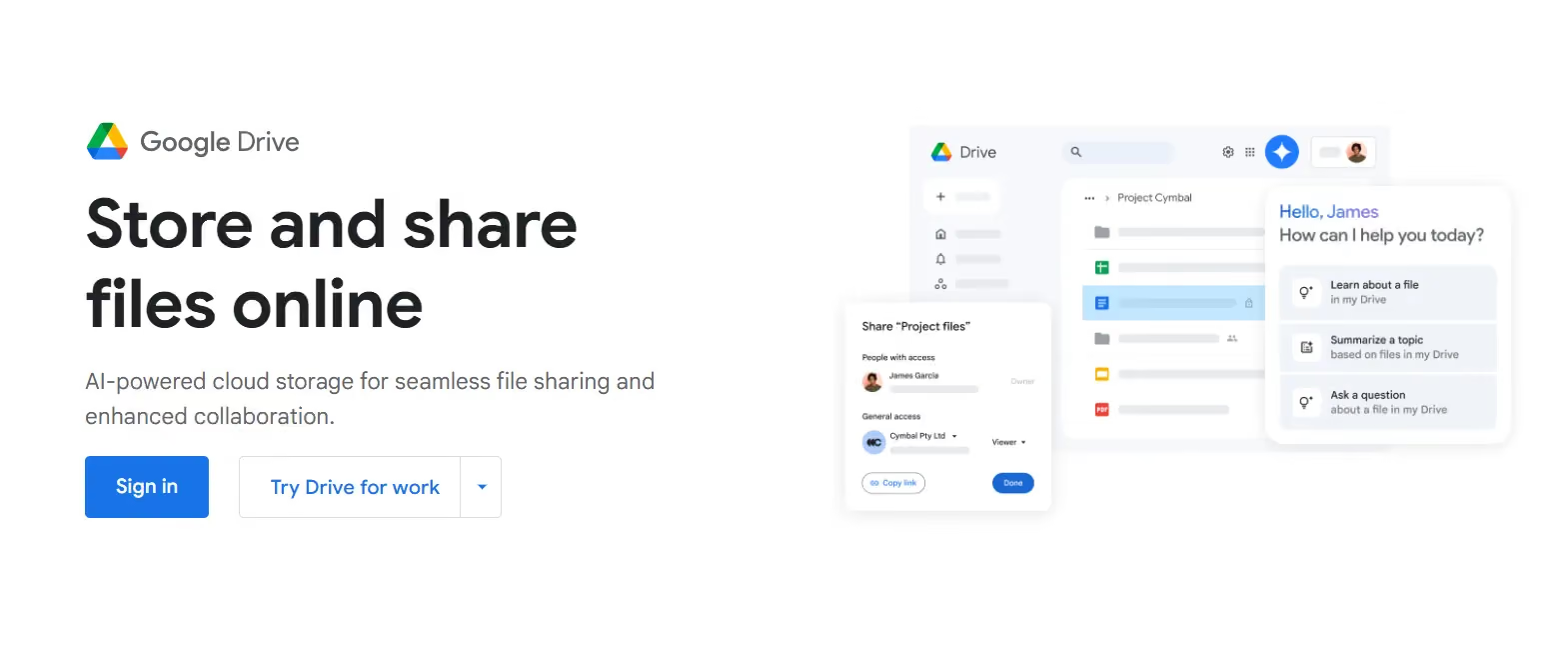
Google One – Premium upgrade version
What is Google One? This is the paid upgrade version of Google Drive, designed to expand storage capacity and provide additional premium features to optimize the user experience.
Key features of Google One:
- Larger storage capacity: Users can expand storage from 100 GB to 30 TB, meeting storage needs ranging from basic to professional.
- Automatic backup feature:
- Automatically back up photos, videos, contacts, and messages from mobile devices to the cloud.
- Dedicated technical support:
- Provides 24/7 support from the Google team.
- Quick resolution for issues related to accounts and data.
- Premium benefits:
- Family sharing: Share your storage plan with up to 5 other users, each with their own separate account.
- Secure VPN: Free VPN service (with plans of 2 TB or more) helps protect your personal information while using the Internet.
- Exclusive offers: Get discounts on Google Store purchases or receive cashback from Google Play.
Commonalities and connections between Google One and Google Drive
Full compatibility: Google One is designed to expand storage space for files, emails, and photos/videos already stored on Google Drive.
Centralized management: Both services allow you to manage data across all devices, from phones and tablets to personal computers.
Unified ecosystem: Google One adds premium features without changing how Google Drive works, providing users with a seamless experience within the Google ecosystem.
Differences between Google Drive and Google One
Google Drive helps store and protect your data more effectively. If you only need basic storage, the free version of Google Drive works well. However, if you want more capacity, advanced security features, and convenient sharing, Google One is a worthwhile option to consider.
Evaluate your needs to choose the right service and make the most of the Google ecosystem!
Compare and choose the Google One storage plan that fits your needs
Storage plan comparison table
How to choose the right Google One storage plan
When deciding to upgrade to Google One, choosing the right storage plan is essential to optimize costs and best meet your usage needs. Below is a detailed guide to help you easily make the right choice.
1. Determine your personal storage needs
Storing basic documents, photos, and videos
- If you use Google One primarily to store text documents, photos, and some basic videos, the 100 GB or 200 GB plans will be suitable.
- These plans meet personal needs well at an affordable price, making them ideal for students, office workers, or those who do not need to store large amounts of data.
Example: A user storing family photos, study materials, and small video files will find the 100 GB or 200 GB plan sufficient.
Storing high-quality photos/videos or work data
- If you are a professional user, such as a photographer, filmmaker, or freelancer working with large data files, plans starting from 2 TB or more will be the best choice.
- These high-capacity plans not only provide ample storage space but also include secure VPN and support for easy data sharing.
For example: A photographer shooting RAW photos and storing 4K videos will need at least 2 TB to ensure sufficient storage space.
2. Sharing with family or groups
Share with family or friends
- Google One allows you to share your storage plan with up to 5 other members of your family. This is a cost-effective solution that increases storage efficiency.
- If you are sharing with your family, the 200 GB plan will be suitable for a small family.
- For larger families or groups of users with high storage needs, you should choose the 2 TB plan to meet your usage requirements without worrying about running out of space.
Benefits of sharing a storage plan:
- Each user has a separate account, so there is no data conflict.
- More cost-effective than having each member purchase an individual storage plan.
3. Consider future usage needs
Choose a generous plan to avoid upgrading later
When determining your Google One storage plan, you should anticipate your future storage needs to avoid frequent upgrades.
For example: If you are nearing the limit of your free 15 GB, choosing a 100 GB or 200 GB plan is appropriate. However, if you plan to store more photos or videos in the near future, consider upgrading to a 2 TB plan.
Why do you need extra storage space?
- Save time on storage management.
- Ensure you don't experience work interruptions or data loss due to running out of space unexpectedly.
By choosing the right Google One plan, you not only optimize costs but also ensure that your data is stored securely and is easy to manage within the Google ecosystem.
Conclusion
What is Google One? Google One is more than just a cloud storage service; it is a comprehensive tool that helps you manage, share, and protect your data effectively. From small storage plans for individuals to large plans for professional work, Google One offers convenience and complete peace of mind. Consider your current and future needs to choose the right Google One plan and make the most of the powerful benefits that the Google ecosystem provides!