



What is Click Depth? This is a key concept in SEO and user experience, referring to the number of clicks required to reach a specific page on a website. Click Depth not only affects how Google crawls and ranks pages but also determines how easily users can find the content they need. A website structure optimized to reduce Click Depth makes the site more user-friendly, improves SEO performance, and delivers the best possible user experience.
So, how can you optimize your website structure and leverage the benefits of reducing Click Depth? Join Markdao as we explore this in this article.
What is Click Depth?
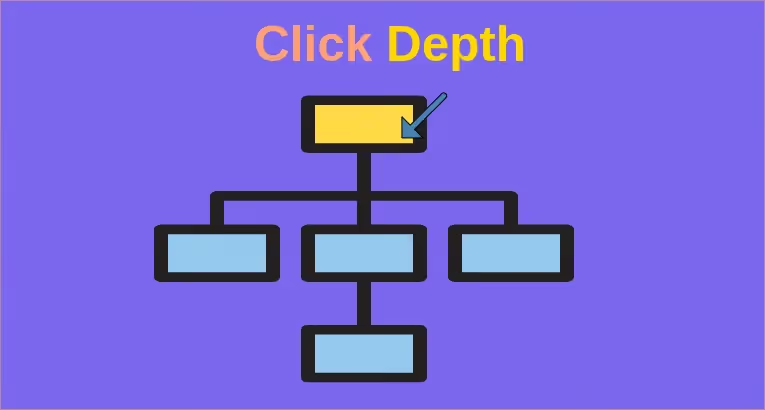
What is Click Depth? This term refers to the number of clicks a user needs to make to reach a specific page on a website, starting from the homepage. Click depth is calculated based on the website's structure and how content is organized.
Illustrative example:
- Click Depth 1: A page accessible directly from the homepage, such as an "About Us" or "Contact" page.
- Click Depth 4: A subpage buried deep within a category or directory, requiring the user to click through 4 levels to access it, for example: Homepage → Category → Sub-directory → Article
The importance of Click Depth
1. For SEO
Websites with low Click Depth are generally prioritized by search engines like Google for crawling. This helps these pages get indexed more easily and improves search rankings.
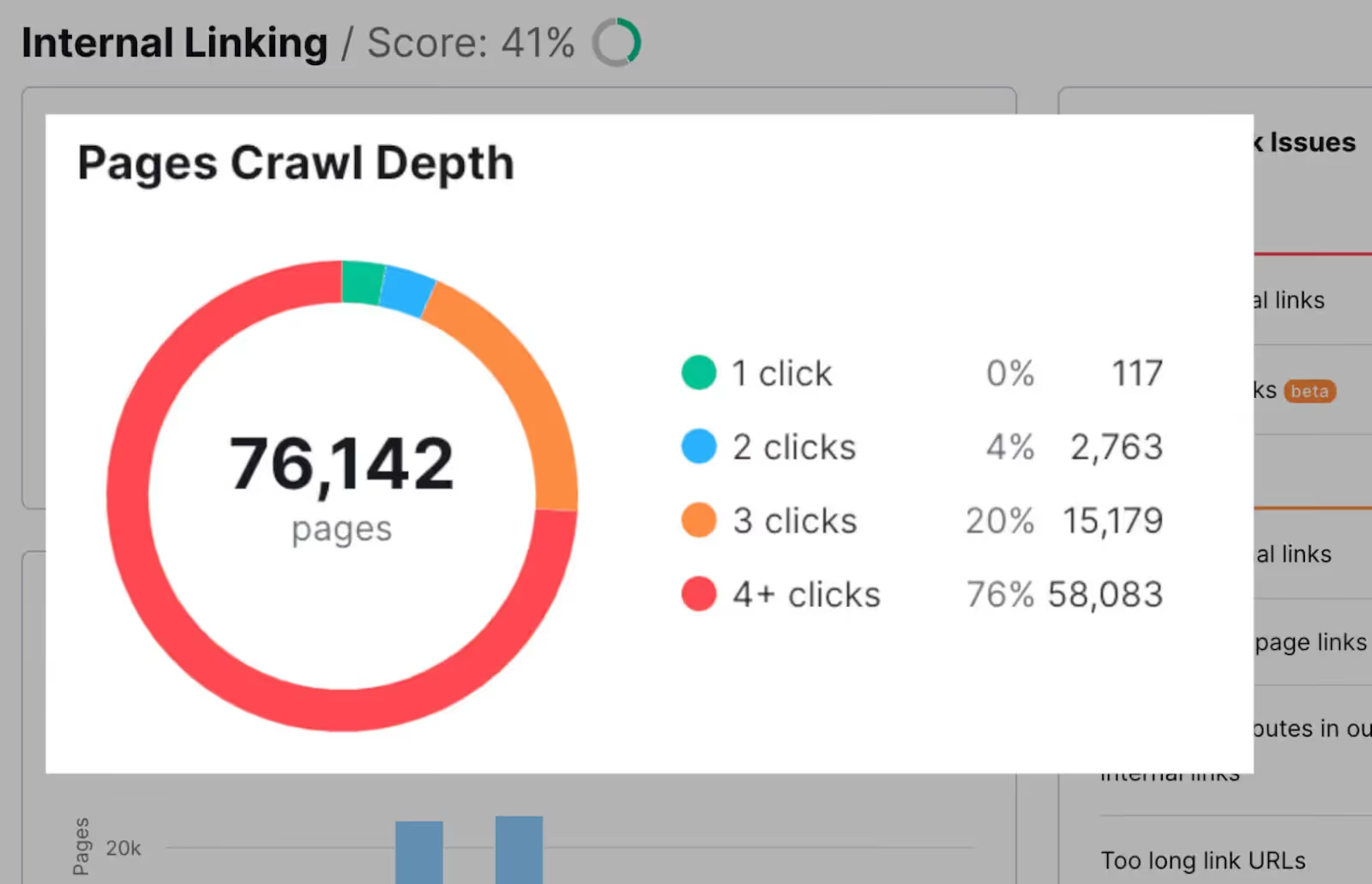
Pages that are too deep (Click Depth greater than 4) may be "ignored" by Google due to crawl budget limitations. This negatively impacts the website's visibility on search engines.
2. For user experience
Low Click Depth makes it easy for users to find the information they need without wasting time. This is crucial for retaining users on your site.
When users have a better experience, the bounce rate decreases and the time they spend on the website increases, contributing to improved overall website performance.
Therefore, understanding what Click Depth is and optimizing it not only makes your website more search engine friendly but also significantly improves the user experience. This is a crucial factor that every website administrator needs to pay attention to in order to build an effective site.
What are the factors that affect Click Depth?
Understanding the factors that affect Click Depth will help you optimize your website structure, improve user experience, and boost SEO performance. Below are the key factors to consider:
Website structure
Website structure is the primary factor affecting Click Depth. A poorly optimized structure forces users to click through too many levels to find content.
- Category and directory hierarchy: A website with too many categories or subdirectories will increase click depth. A logical hierarchy that keeps important content close to the homepage is an effective way to reduce Click Depth.
- Website complexity (number of subpages): A website with many poorly organized subpages will cause users to lose their way, increasing the number of clicks required to find the necessary content.
Internal Links
Internal links play a vital role in guiding both users and search engines.
- If internal links are not built logically or if links to important pages are missing, the Click Depth for those pages will increase. This negatively impacts search engine visibility and user experience.
- Creating a logical and coherent internal linking system will help reduce Click Depth and strengthen the connections between pages.
Navigation menu and search bar
An unclear navigation menu can make it difficult for users to access content.
- Navigation menu: If main pages are not placed in an accessible location within the menu, users will have to click through more levels to find information, increasing Click Depth.
- Search bar: An ineffective or unoptimized search bar is also a reason why users have to search manually, increasing the number of clicks required.
Elements such as website structure, internal linking, and navigation menus all directly affect what Click Depth is and how to optimize it. Addressing these limitations not only helps reduce Click Depth but also provides a better user experience and improves SEO performance for the website.
How to optimize website structure to reduce Click Depth?
To better understand how to improve website efficiency, optimizing the structure to reduce what Click Depth is becomes an important task. Below are specific methods to help you improve Click Depth and optimize user experience.
Build a clear and logical website structure
A clear website structure not only helps users easily find information but also improves SEO rankings.
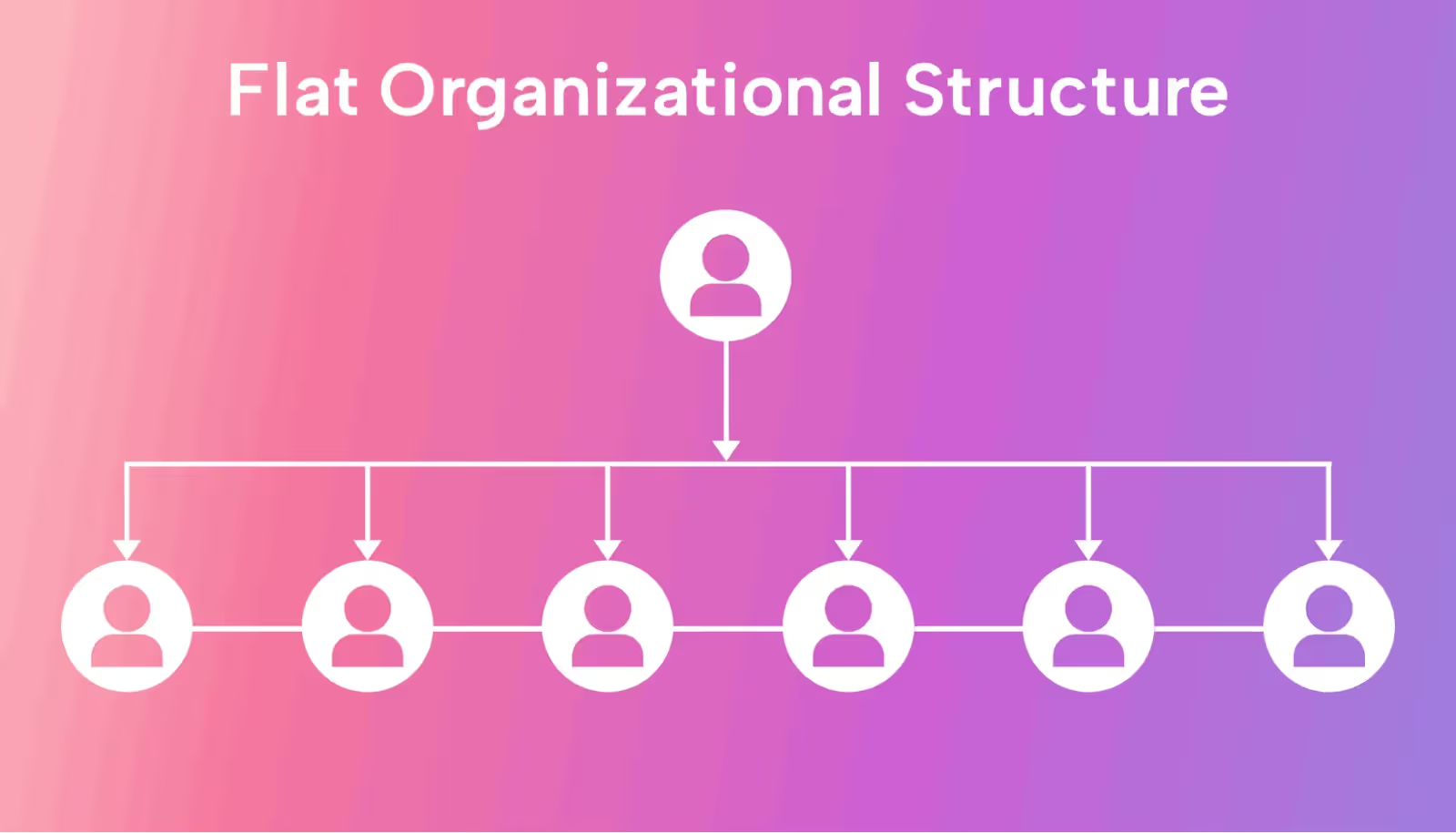
- Create a flat structure: Reduce the number of hierarchy levels on the website, ensuring important pages are only 2-3 clicks away from the homepage. This helps users access content more quickly.
- Use logical categories and folders: Organize content into clear categories and folders, avoiding nesting too many subpages into deep folders, which increases Click Depth.
Use internal linking intelligently
Internal linking is a powerful tool for reducing click depth and strengthening the connections between pages.
- Link between pages with related content: Link related articles or pages to create a cohesive content network, making it easy for both users and search engines to navigate.
- Add links to popular posts or important pages: Include links to featured articles or key topic pages in your menu or related content sections to reduce the number of clicks required.
Design navigation menus and breadcrumbs
- Navigation menu: Place links to important pages directly in the main menu to ensure users can access them without clicking through multiple levels.
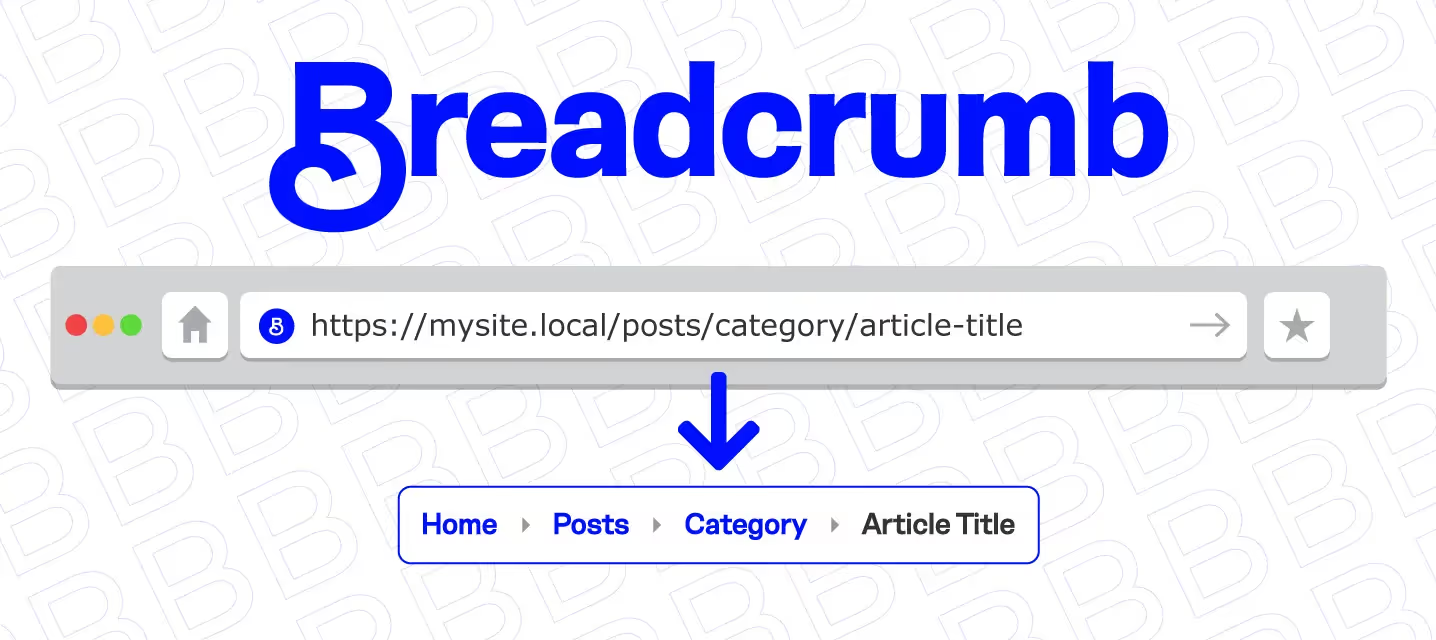
- Breadcrumbs: Breadcrumbs are a set of links on a website that show the path to the current page. Displaying breadcrumbs on every page helps users easily identify their current location and return to previous levels with a single click. Breadcrumbs also help search engines understand your website structure.
Create a sitemap
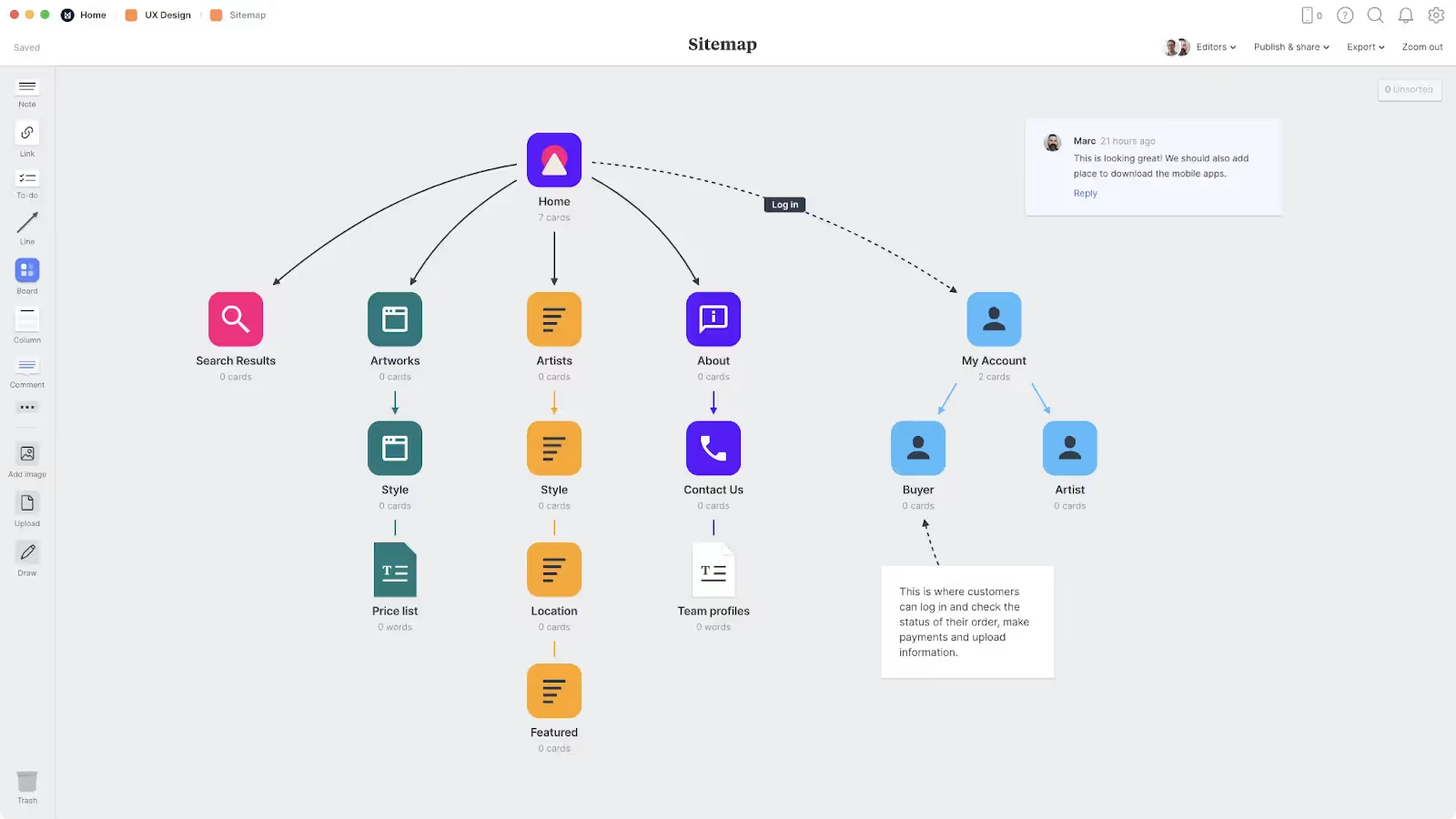
A sitemap is an essential tool that helps both users and search engines navigate your website easily.
By providing a clear map of your structure and content, a sitemap helps reduce click depth and improves website efficiency. There are two common types of sitemaps you should implement:
- HTML Sitemap: Helps users visually explore all content on the website. It provides an overview of the site structure, allowing users to find the content they need faster without multiple clicks.
- XML Sitemap: Helps search engines like Google crawl your site more quickly and efficiently, ensuring all pages are indexed. It provides a complete list of URLs on your site, including pages with high click depth that might otherwise be difficult to crawl. This ensures that all your website content is indexed by search engines.
Regular analysis and optimization
- Use analytics tools: Tools like Google Analytics, Screaming Frog, or Ahrefs help you measure click depth and identify pages that are buried too deep.
- Adjust structure and links based on data: Use analytical data to improve internal linking, re-optimize your website structure, and ensure that important pages always maintain a low click depth.
Optimizing website structure to reduce What is click depth not only makes it easier for search engines to crawl your site but also enhances the user experience. By applying these methods, you can build an effective, user-friendly website and achieve optimal SEO performance.
Benefits of reducing click depth
Reducing click depth offers significant benefits for your website, ranging from SEO and user experience to business performance. For SEO, optimizing click depth helps Google crawl your site faster, ensuring that important pages are fully indexed, which improves visibility and boosts search engine rankings.
Regarding user experience, a low click depth makes it easier for users to find information, reduces search time, and increases both conversion rates and user satisfaction.
For businesses, reducing click depth not only increases traffic but also improves sales while building a professional, user-friendly brand image. This is a key factor in optimizing online performance and strengthening competitiveness.
Conclusion
Understanding and optimizing what click depth is plays a vital role in enhancing website performance, both in terms of SEO and user experience. By building a logical website structure, using smart internal linking, designing clear navigation menus, and implementing a sitemap, you can effectively reduce click depth. This not only helps search engines crawl your site quickly but also boosts conversion rates, improves user satisfaction, and establishes a professional online presence.
Start optimizing your click depth today to bring comprehensive benefits to your website and business!


