Looking to reduce image file size but haven't found an effective way to do it? Today's article provides 9 software tools for online image compression that allow you to compress JPG, PNG, GIF, and many other formats directly from your web browser.
9 best online image compression tools (tested)
The online image optimization tools introduced below will help you reduce image file size without compromising quality. Let's get started!
1. Compress Now
One of the first options you might consider when looking for ways to reduce image resolution is Compress Now. This is a fantastic tool that allows you to reduce the file size of the three most common image types: JPG/JPEG, GIF, and PNG. The maximum file size you can upload is 9MB.
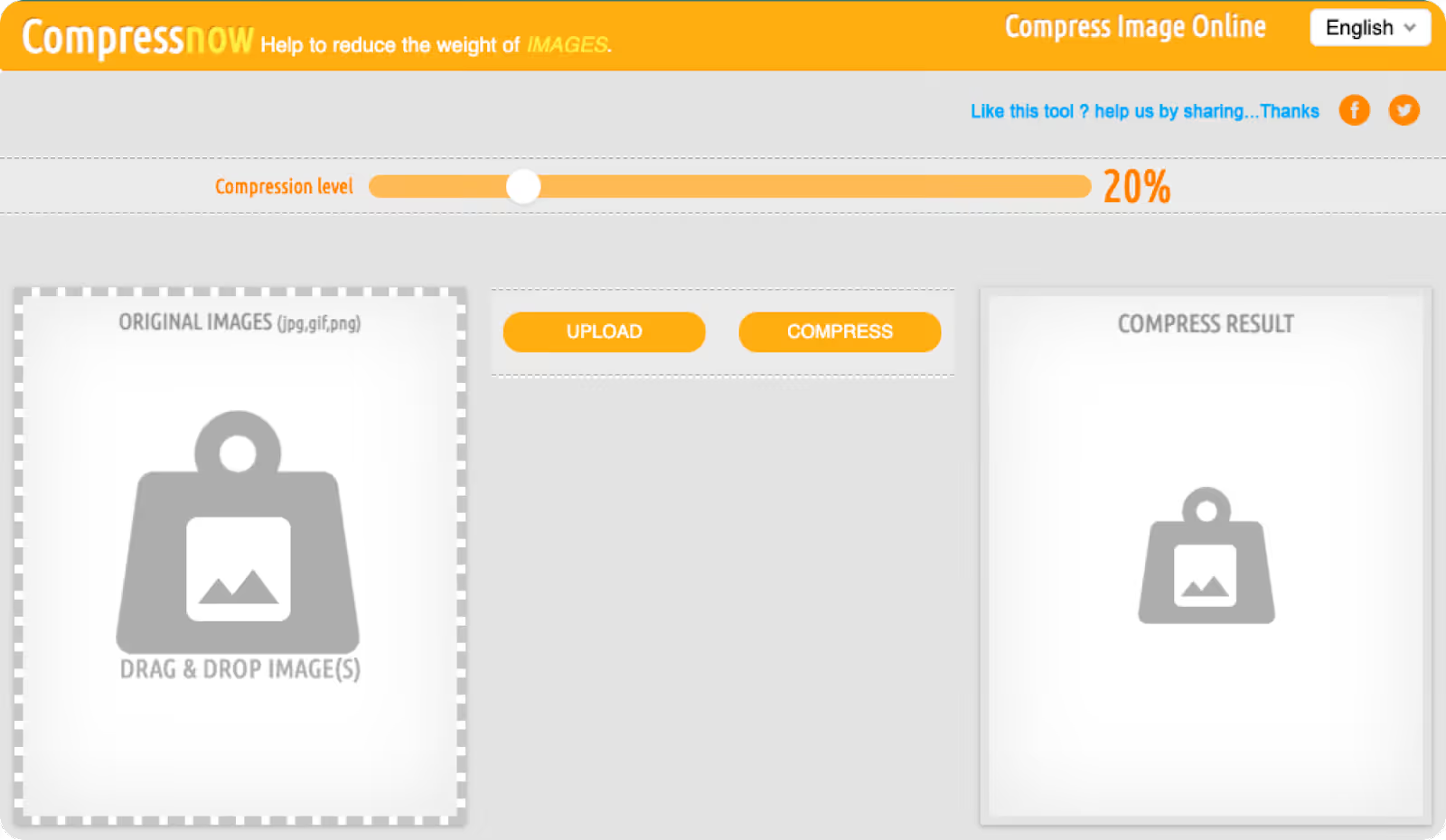
The tool allows you to upload up to 10 images at once and choose the level of reduce image file size upload as you wish. You will barely notice the difference between an image compressed at 65% and the original, while the compressed version is much lighter in size.
The only downside to Compress Now is that although you can reduce JPG file size, JPEG, GIF, and PNG, you can only export image files in JPEG format.
If you overlook that drawback, this tool deserves the crown for reducing image file size without compromising quality. The ability to lower image file size of Compress Now is incredibly impressive, and here are the numbers:
- JPEG compression capability: 99.97%
- PNG compression capability: 99.98%
2. JPEG Optimizer
This is a great solution if all you need is to compress JPEG images. As the name suggests, this tool does not support PNG or GIF image files.
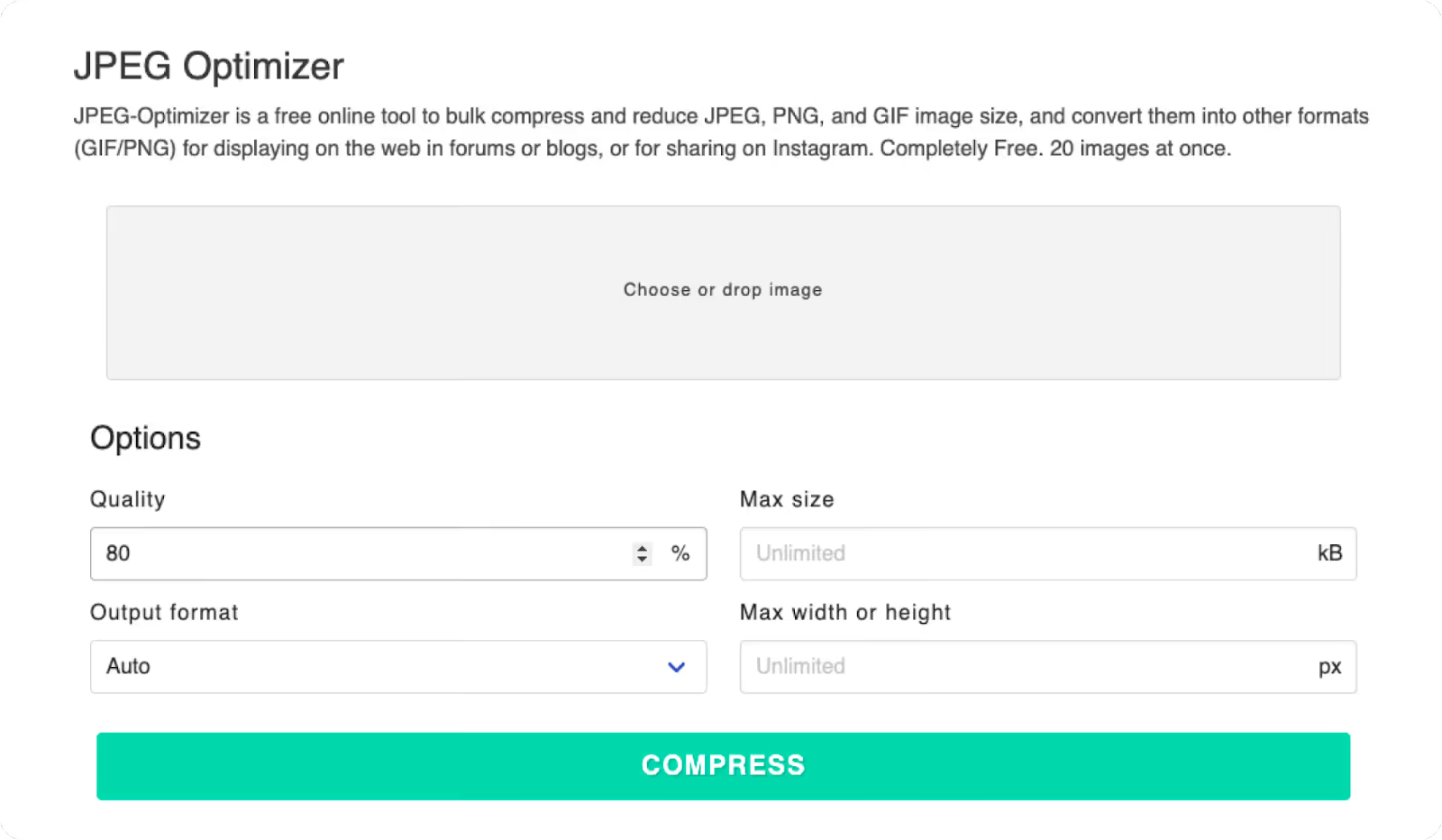
Just by using the tool's default compression setting of 80%, you can lower image file size to nearly half its original size without significant changes in quality. However, you can also adjust the compression level as desired between 1-99%.
Additionally, you can set a maximum file size for the image (default is 4MB) and resize it. Afterward, you can choose to download and use the image as needed.
- JPEG compression capability: 95.39%
3. Tiny PNG
This is a reliable tool that helps you handle image compression for both JPEG and PNG formats with ease. You can upload up to 20 images at a time, with a maximum file size of 5 MB each. For larger files, a fee applies.

After compressing the images, they can be downloaded to your computer or saved to Dropbox. WordPress users can easily utilize TinyPNG via its free plugin.
TinyPNG's compression capability is quite impressive:
- JPEG compression rate: 92%
- PNG compression rate: 83%
4. Optimizilla
With Optimizilla, you can easily compress images in JPEG, GIF, and PNG formats, and upload up to 20 images simultaneously.
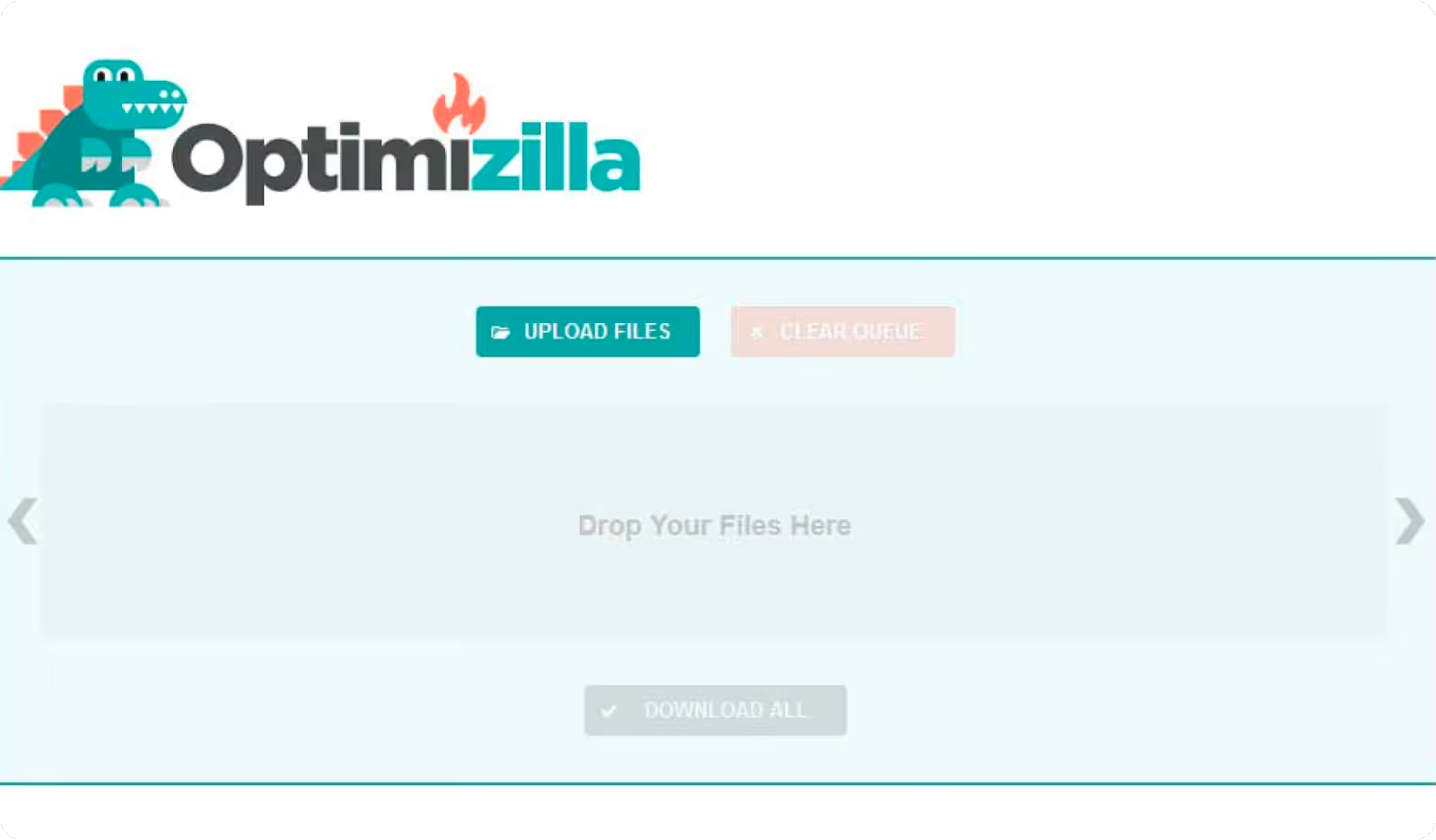
It is great that you can view and check the compression status of all images in a single slider. You can see the compression percentage for each image and remove any you do not wish to save.
Another interesting feature is that if you are not satisfied with the default compression level, you can click on any image in the slider, then scroll down to preview and manually adjust its quality. Once finished, you can download all images at once or download them one by one.
And here is the image compression quality of Optimizilla:
- JPEG compression rate: 91%
- PNG compression rate: 79%
5. JPEG.io
An effective way to reduce image resolution for images of any format into JPEG is JPEG.io. It handles more image types than most other online tools available today. You can compress JPG, PNG, GIF, SVG, BMP, EPS, TIFF, WEBP, and even PSD files. The tool converts your uploaded images into JPEG format, then reduces the file size before returning the images to you.
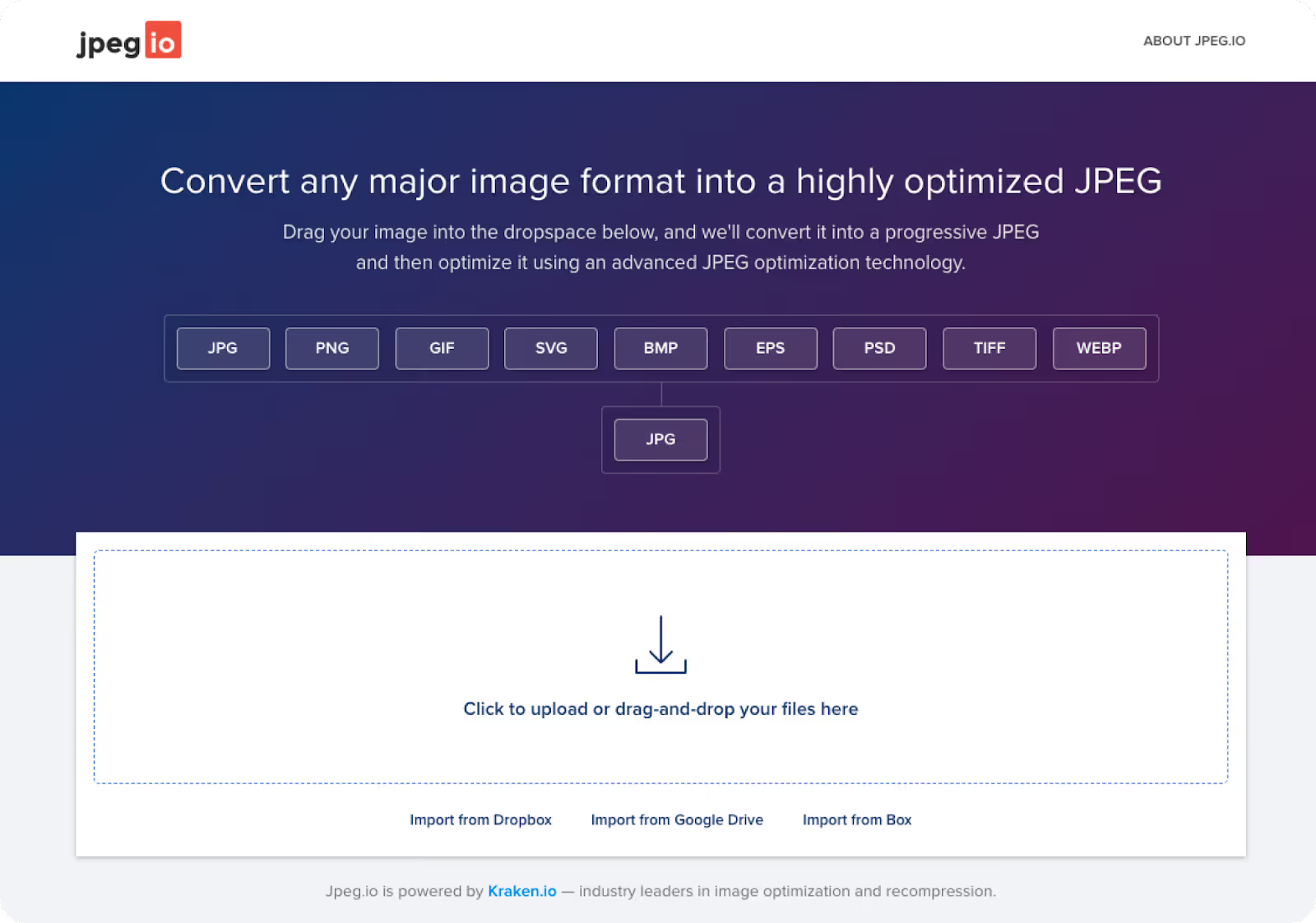
JPEG.io can also pull image files from Google Drive or Dropbox and return the compressed JPEG files as a ZIP archive.
- JPEG compression capability: 79.57%
- PNG compression capability: 86.98%
6. ImageRecycle
This is a tool that offers an effective way to reduce image resolution that is both good and safe if you need to compress images in various formats, including PNG, JPEG, GIF, and even PDF. Simply drag and drop your images onto the website and download the compressed versions with a single click.
Furthermore, ImageRecycle provides a free report on your website with detailed information on which images need optimization. Just enter your website address to receive the report.
Additionally, to access other features such as page and URL optimization, you will need to choose a one-time payment plan. There are 3 price tiers to choose from: $10 (10,000 images), $20 (30,000 images), and $50 (100,000 images). Once paid, you can use your purchased plan for one year with no limits on the number of websites or sub-accounts.
WordPress, Magento, and Joomla users can use the ImageRecycle extension instead of visiting the website. Meanwhile, Shopify users can use it via a dedicated app.
Image size reduction quality of this tool will also give you complete peace of mind:
- JPEG image compression capability: 92.78%
- PNG image compression capability: 80.41%
7. Compressor.io
The next name on the list is Compressor.io. This tool helps you easily compress JPEG, PNG, GIF, SVG, and WEBP files without losing any pixels. The maximum file size you can upload is 10 MB.
A slider allows you to compare the original and compressed images side-by-side. You can download the file and save it to Google Drive or Dropbox.
You can choose to compress JPG images if you want to save as much space as possible:
- JPEG image compression capability: 95%
- PNG image compression capability: 78%
8. Ezgif
Ezgif is truly a versatile online image optimizer that you shouldn't overlook. You can use it to reduce image size for GIF, PNG, and JPG files. Interestingly, you can perform some simple edits on the image before compressing, such as rotating, cropping, or adding overlays.
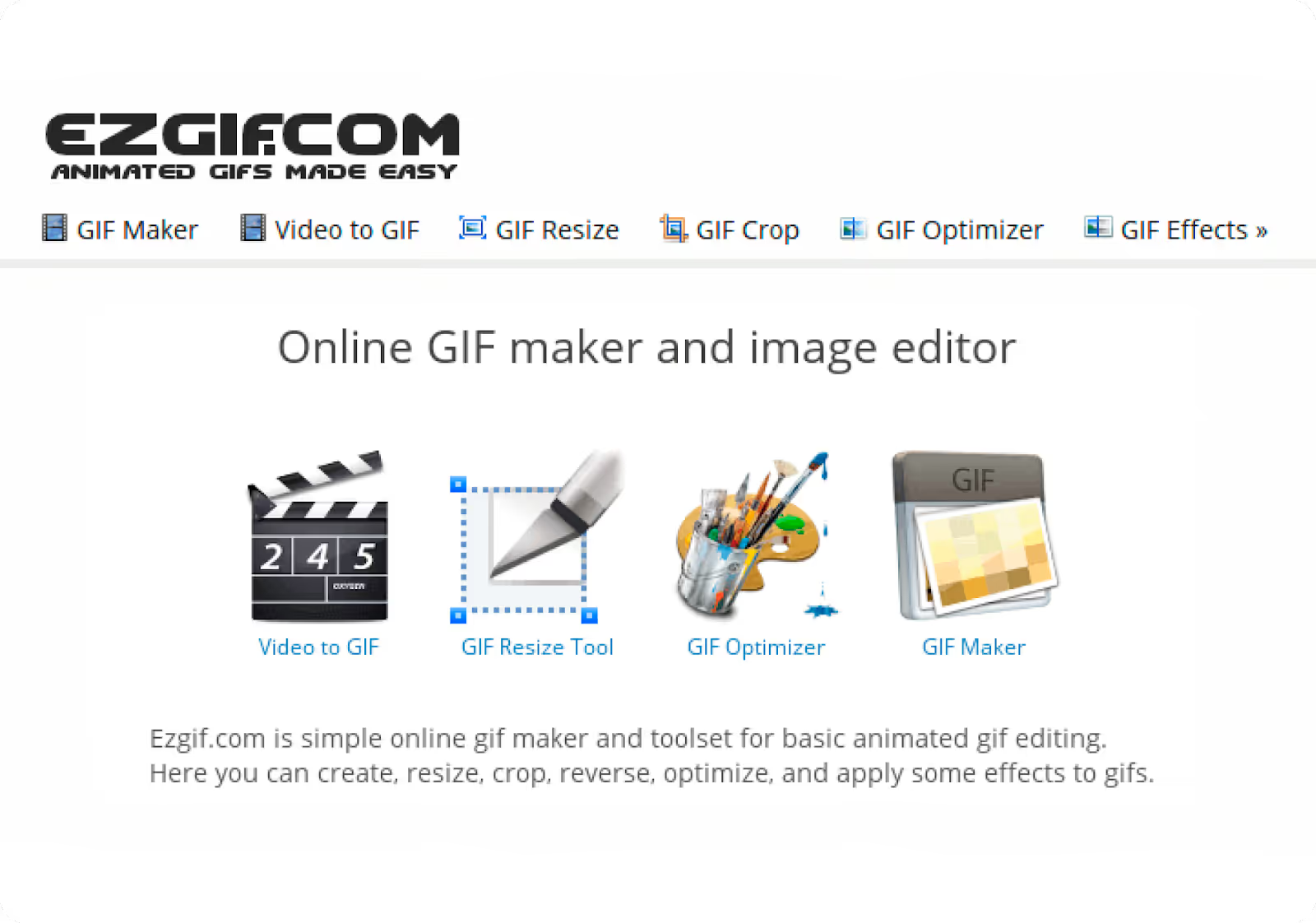
Especially for GIFs, you can not only reduce image size, but you can also design, resize, and crop them. You can create GIFs from JPEG, PNG, and other image files. The tool allows you to upload up to 2,000 files at once. However, the total size limit is 100 MB.
Here is Ezgif's image compression capability:
- JPEG image compression capability: 92.7%
- PNG compression rate: 24.5%
9. Dynamic Drive Optimizer
The Dynamic Drive interface isn't particularly eye-catching, but it remains a favorite due to its truly unique and compelling features compared to other tools.
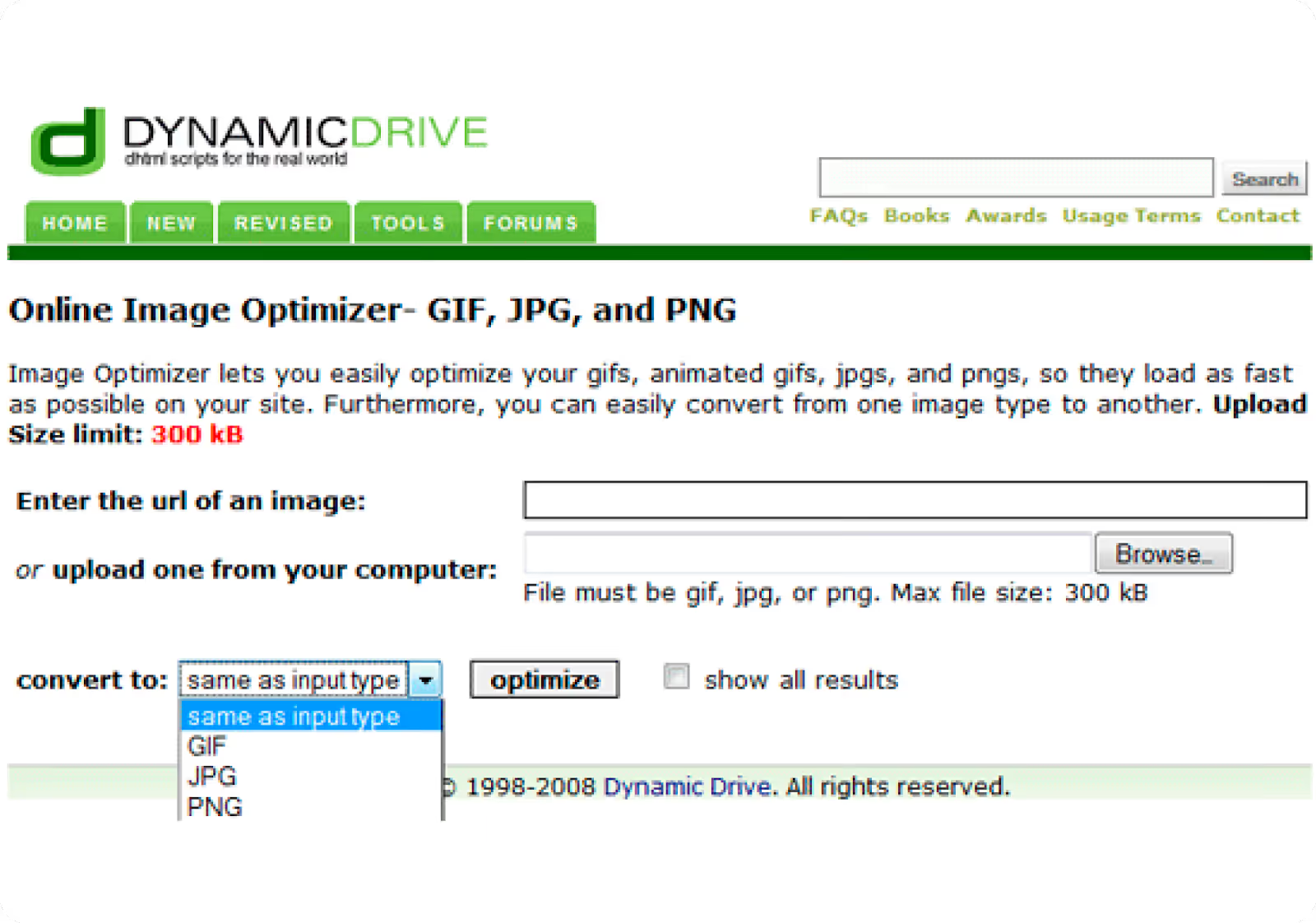
First is its control over file output. You can compress from JPG to PNG or any other combination you prefer. More importantly, this tool generates a series of 9 images at different quality levels for you to choose from. Naturally, the closer the compressed image is to the original quality, the less the file size will be reduced.
Quality image file size reduction of Dynamic Drive is quite good, and here are the figures:
- JPEG compression rate: 93%
- PNG compression rate: 77%
Comparison table of 9 online image compression tools
Thus, Compress Now is the best JPG compressor with an image compression result of 99.97%. Meanwhile, TinyPNG takes the crown for the best PNG compressor at 83%.
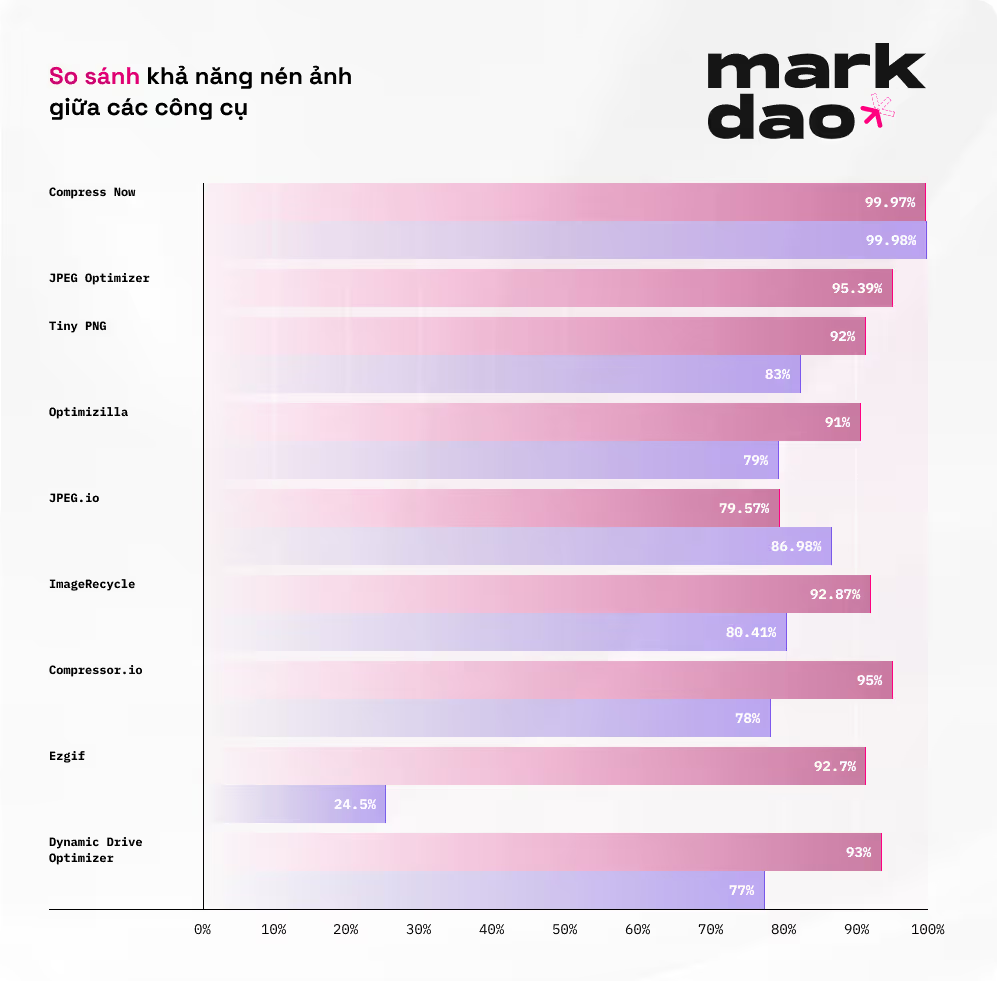
You can view the comparison table below for a more comprehensive overview:
Note: (*) The output for this file is a JPG, so this is not a true 1-1 comparison as the compression process also includes a conversion from PNG to JPG.
As for you, which image compressor from the list above is your favorite?