



When searching for a brand or website on Google, you may notice several sub-links appearing below the main result—these are Sitelinks. These links help users quickly access important pages, improve the search experience, and increase your click-through rate (CTR).
However, Google does not provide an option to create Sitelinks manually, so how can your website get them to appear? In this article, Markdao will explore what Sitelinks are, how they work, and the secrets to optimizing your website to increase your chances of having them appear on Google.
What are Sitelinks?
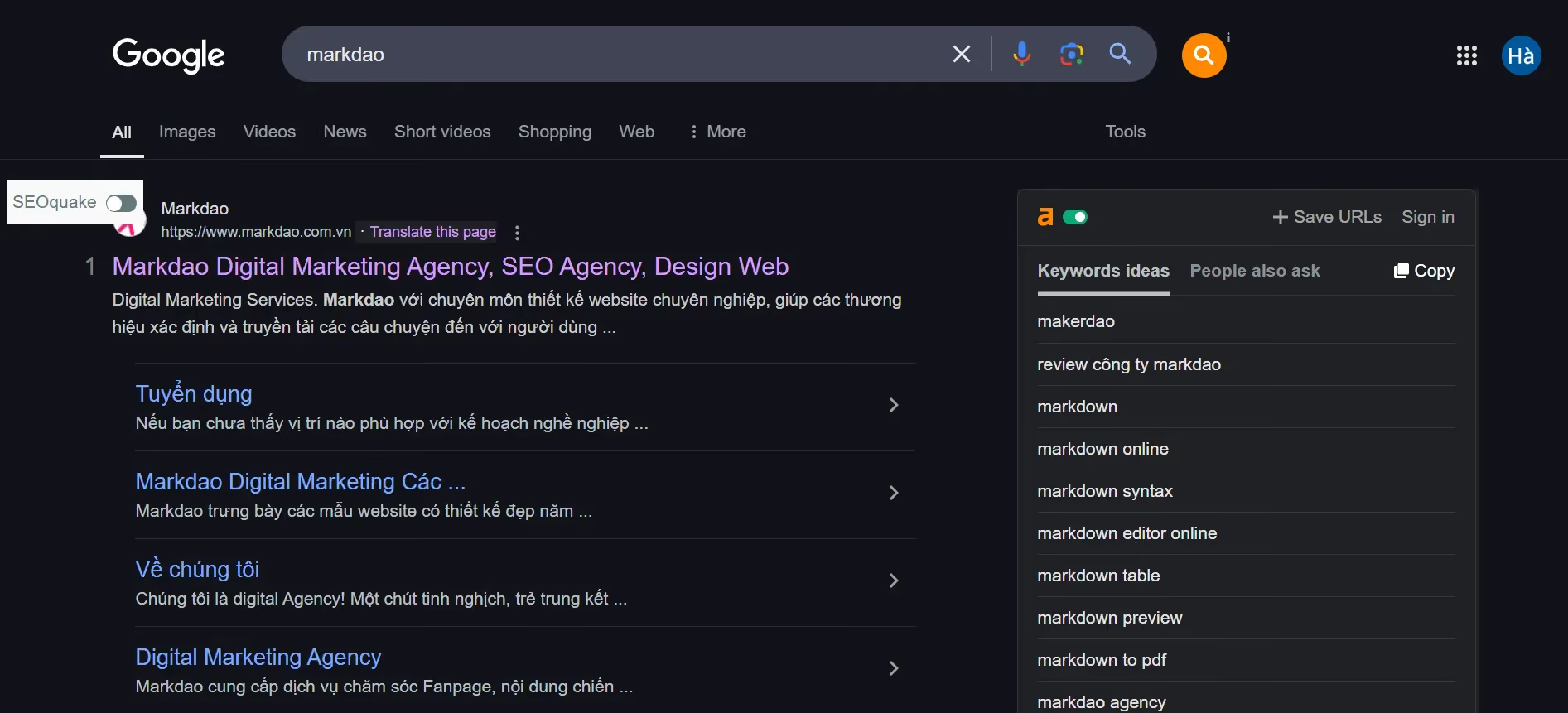
Sitelinks are links that appear below the main search result on Google, allowing users to quickly access important pages on a website. These Sitelinks are typically generated automatically by Google based on the website's structure and the popularity of its subpages.
For example, when you search for a major brand like “Markdao,” in addition to the homepage, Google may display links to key pages such as “SEO Services,” “Blog,” or “Contact.” This makes it easy for users to access the content they are interested in without having to visit the homepage first.
Sitelinks do not only appear in organic search results; they can also appear in Google Ads. In this case, website owners can control and customize Sitelinks to optimize the performance of their advertising campaigns.
5 Benefits of Sitelinks for your website
Having Sitelinks appear in search results provides many important benefits for a website, including:
1. Increased Click-Through Rate (CTR): Sitelinks help users immediately access the content they are interested in without needing to perform additional searches. This significantly increases the click-through rate to your website, thereby improving organic traffic.
2. Improved user experience: Users can navigate directly to the page they need without having to search through multiple steps. This optimizes the experience and keeps visitors on your site longer.
3. Increased credibility and brand authority: When Google displays Sitelinks for a website, it means the site is highly regarded in terms of structure and content. The presence of Sitelinks also creates a more professional and trustworthy impression in the eyes of users.
4. Boosts SEO and search rankings: Sitelinks help distribute SEO value to subpages, especially important ones. When users click on Sitelinks, Google understands that these pages have high value, which can improve the website's search rankings.
5. Reduced bounce rate (Bounce Rate): When users land directly on the page they are looking for, they tend to spend more time on the website, which in turn lowers the bounce rate. This is a key factor in maintaining website quality in Google's eyes.
In summary, Sitelinks not only help your website stand out on search results pages but also play a vital role in boosting SEO performance and optimizing user experience. However, Google does not provide an option to create Sitelinks manually, so websites must be properly optimized to increase the chances of Sitelinks appearing on Google.
4 types of Google Sitelinks
Sitelinks can appear in various ways depending on the search context. Below are the common types of Sitelinks displayed by Google:
1. Organic Sitelinks
This is the most common type of Sitelink, appearing below the main search result for a website that Google deems highly trustworthy.
.avif)
Characteristics:
- Usually appear when users search for a specific brand name or website.
- Display 2 to 6 sub-links, helping users quickly access important pages such as "Services," "Products," "Blog," or "Contact."
- Automatically generated by Google based on website structure, traffic volume, and the relevance of sub-pages.
Example:
When searching for "Markdao," you might see results displayed with links such as "SEO Services," "Portfolio," or "Blog."
2. Sitelink Search Box
This is a special type of Sitelink that allows users to search your website directly from the Google search results page.
.avif)
Features:
- Only appears when searching for a brand or a high-traffic website.
- This search box allows users to enter keywords and find content directly on your site without needing to visit the homepage first.
- Google encourages websites to use Schema Markup (structured data) to increase the chances of a Sitelink Search Box appearing.
3. Sitelink in Google Ads (Paid Sitelink)
This type of Sitelink appears in Google Ads, helping businesses improve ad performance by providing additional useful links.
.avif)
Features:
- Can be customized within Google Ads and is not restricted like Organic Sitelinks.
- Allows displaying up to 4 Sitelinks on desktop and up to 2 Sitelinks on mobile devices.
- Help increase click-through rates (CTR) and reduce advertising costs by directing users to the exact content they need.
Example:
A business running Google Ads for the keyword "professional SEO services" can display Sitelinks such as "SEO Pricing," "Case Studies," and "Contact for Consultation."
4. Sitelinks on mobile devices
On mobile devices, Google displays Sitelinks differently than on desktop to optimize the user experience.
Features:
- Sitelinks can be displayed as a list or large buttons to make them easy for users to tap.
- Google typically prioritizes the most popular and high-traffic subpages of the website.
Example:
When searching for "Shopee" on Google via mobile, you might see large Sitelinks like "Flash Sale," "Shopee Mall," and "Vouchers."
Google offers various types of Sitelinks to help users find content faster while improving your website's SEO and advertising performance. Although Google determines Sitelink display automatically, you can still optimize your website to increase the likelihood of Sitelinks appearing, helping your brand stand out in search results.
How to get Google Sitelinks for your website?
Google does not provide a tool to create Sitelinks on demand; instead, it uses algorithms to automatically identify relevant subpages based on relevance, content quality, and user experience. However, you can optimize your website correctly to increase the chances of having Sitelinks displayed on Google.
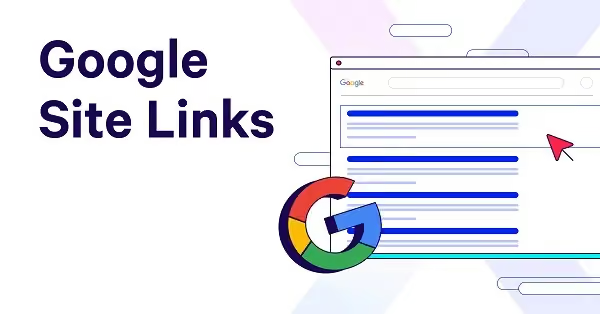
Below are the key factors that help a website appear with Sitelinks:
1. Build a strong and trustworthy brand: Google typically displays Sitelinks for websites with a clear and well-recognized brand. Therefore, ensure your brand is present across multiple platforms, maintains stable traffic, and provides consistent content.
2. Build a clear website structure
- Use a logical navigation menu and clearly categorize subpages.
- Important pages such as "About Us," "Services," "Blog," and "Contact" should be easily accessible from the homepage.
- Use friendly, easy-to-understand URL formats and avoid overly long or complex links.
3. Optimize user experience (UX)
- Ensure fast page loading speeds and a interface that is friendly for both desktop and mobile devices.
- Create engaging, readable content that provides real value to users.
- Block unnecessary pages from Google using robots.txt or "noindex" tags to avoid diluting your Sitelinks.
4. Create high-quality, SEO-optimized content
- Subpages should feature high-quality content that is keyword-optimized and meets user search intent.
- Use headings (H1, H2, H3) logically so Google can easily understand your content structure.
- Improve internal links to increase the relevance between pages on your website.
How to optimize Sitelinks on Google
Google prioritizes displaying Sitelinks for websites that are well-optimized for structure, content, and user experience. Below are key methods to increase the chances of your website getting Sitelinks:
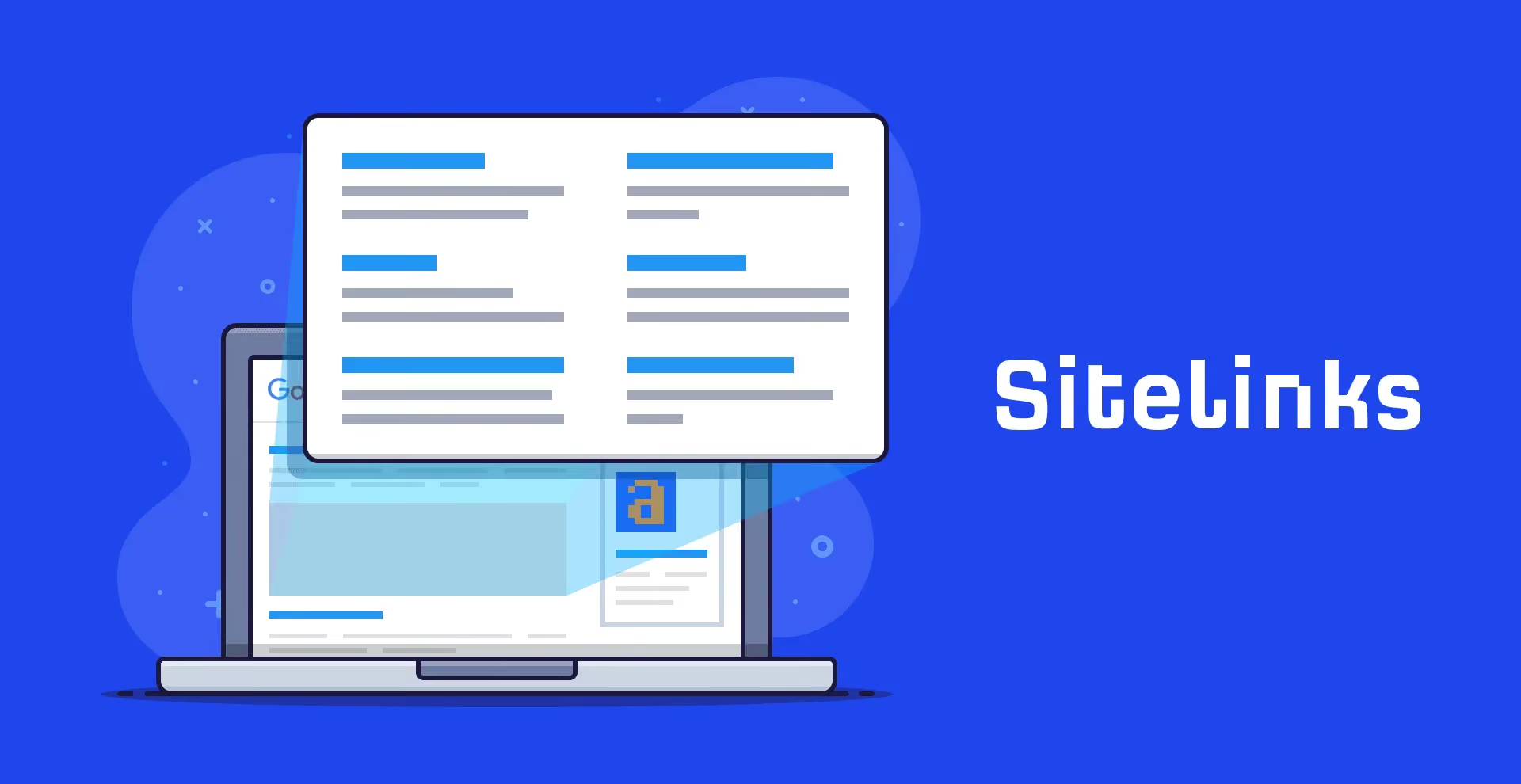
1. Optimize Page Titles and Meta Descriptions
Page titles and descriptions not only attract users but also influence how Google understands your website.
- Keep titles concise, clear, and include your primary keywords.
- Write engaging meta descriptions that clearly state the main content and include a relevant call to action (CTA).
2. Use smart internal linking
- Internal links help Google understand which pages on your website are important.
- Place links to important pages within your content, navigation menus, or the footer.
- Use anchor text that is natural and contains relevant keywords.
3. Improve URL structure
- URLs should be short, easy to understand, and contain keywords.
- Avoid using special characters or strings of numbers that are difficult to read.
- For example, instead of:
https://example.com/p=1234
Use:
https://example.com/dich-vu-seo
4. Use Schema Markup (Structured Data)
Google encourages websites to implement Schema Markup to help search engines better understand page content.
- Sitelink Search Box Schema helps increase the visibility of the Sitelink search box on Google.
- Breadcrumbs Schema helps Google better understand your website's navigation structure.
5. Optimize page load speed and mobile visibility
Google prioritizes websites that provide a good user experience, especially on mobile devices.
- Check page load speed using Google PageSpeed Insights.
- Use Responsive Design so your website displays well on all devices.
3 Ways to check and manage website Sitelinks
After optimizing your website, you can check and manage Sitelinks using Google's support tools.
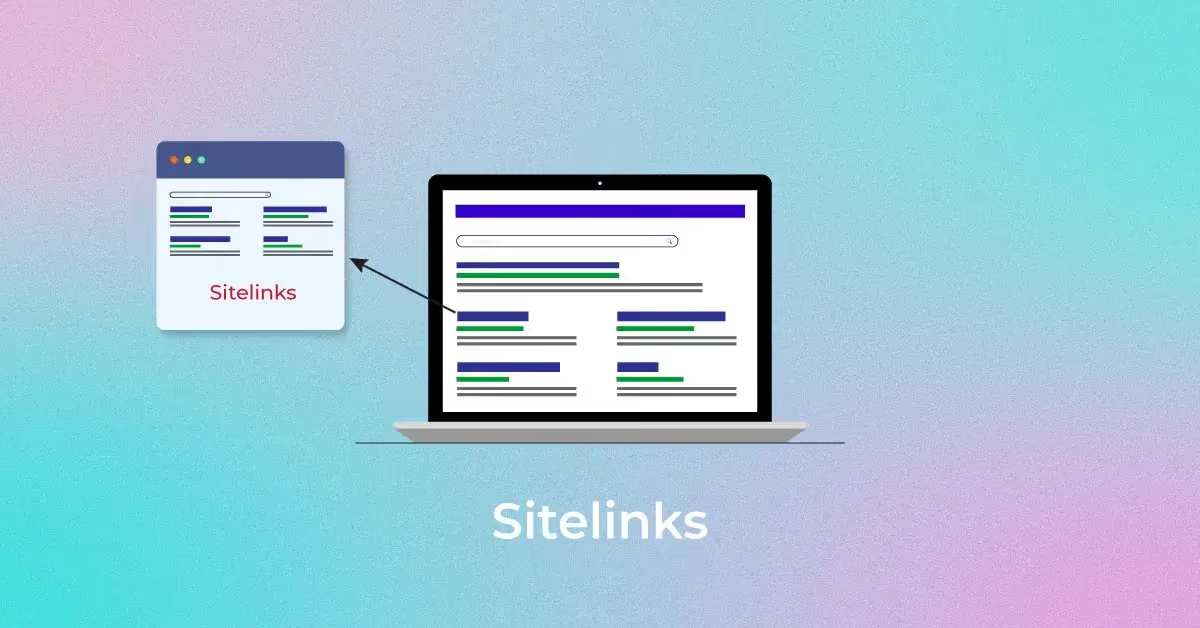
1. Check Sitelinks using Google Search
The simplest way to see if your website has Sitelinks is to enter brand name into the Google search bar.
- If your website already has Sitelinks, Google will display important pages directly below the main search result.
- If not, your website may need further optimization to qualify for them.
2. Use Google Search Console to monitor Sitelinks
Google Search Console is an essential tool for managing and improving your website's search performance.
- Go to Search Console > Performance > Search queries, then check if users are clicking on subpages through search results.
- Check the Internal links section to see which pages Google considers important on your website.
- If an unwanted page appears in your Sitelinks, you can remove it by adding a "noindex" tag or by adjusting your internal linking.
3. Adjusting and controlling unwanted Sitelinks
Google does not allow direct editing of Sitelinks, but you can influence how they appear by:
- Removing unimportant pages from Sitelinks by adding a noindex tag to that page.
- Changing your internal linking structure so Google prioritizes more important pages.
- Update page titles and descriptions to help Google better understand the main content of each page.
Conclusion
Having Sitelinks appear on Google offers many benefits, helping your website stand out, improving user experience, and increasing click-through rates (CTR). While you cannot create Sitelinks on demand, you can certainly optimize your website to increase the chances of them appearing. Focus on website structure, internal linking, quality content, and user experience to achieve the best results.


