




What is a pop-up? This is a window that appears on a website to capture user attention, typically used for collecting emails, promoting products, or offering deals. When implemented correctly, website pop-ups can help increase conversion rates and support effective marketing campaigns. However, if used improperly, they can be annoying and disrupt the user experience. So, how can you optimize pop-ups without negatively impacting SEO or customer experience? Let's find out in the article below.
What is a pop-up?
What is a pop-up? A pop-up is a small window that appears suddenly on a website interface to grab the user's attention. Website pop-ups are commonly used to provide information, offer promotions, collect customer data, or guide user actions.
Pop-ups can appear as soon as a page is accessed, when a user scrolls to a certain point in the content, or when they show intent to leave the website. When implemented correctly, pop-ups can help increase conversion rates and improve marketing performance. However, if overused, they can be annoying and negatively impact the user experience.
Common examples of website pop-ups
In practice, there are many different types of website pop-ups depending on their purpose, including:
- Email collection pop-ups: Appear with an invitation to subscribe to a newsletter or receive offers via email.
- Discount/promotion pop-ups: Display discount codes or promotional programs to encourage customers to make a purchase.
- Exit-intent pop-ups: Appear when a user shows signs of leaving the page without completing a desired action.
- Event notification pop-ups: Used to announce workshops, webinars, or special programs.
- Survey pop-ups: Used to collect feedback from customers.
- Cart abandonment pop-ups: Display a notification when a user leaves without completing their order.
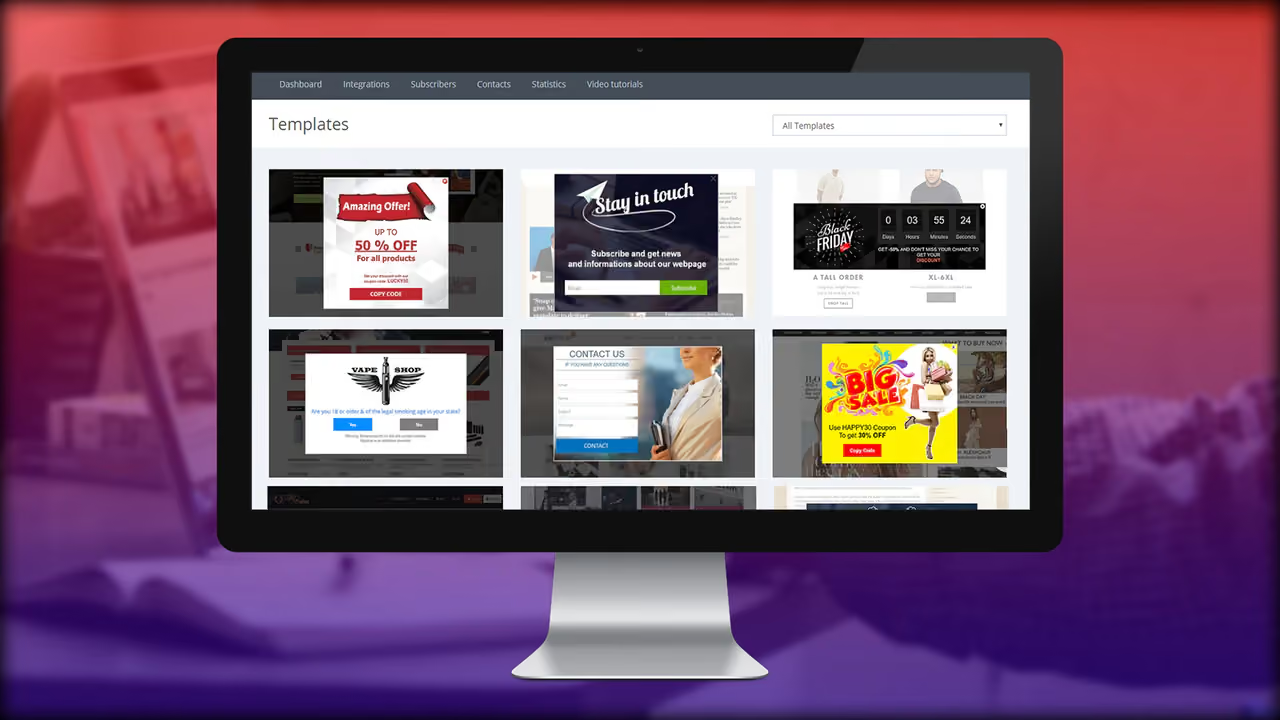
Benefits of using pop-ups
1. Increase conversion rates (email sign-ups, purchases, document downloads)
Website pop-ups are a powerful tool for boosting conversion rates. When optimized correctly, pop-ups can encourage users to take important actions such as:
- Signing up for newsletters to stay updated.
- Downloading free resources like ebooks or guides.
- Creating an account or completing a purchase.
Statistics show that an effective pop-up can increase conversion rates by up to 10% – 15% compared to other methods.
2. Collect lead information
Pop-ups help businesses gather customer data such as emails, phone numbers, or preferences. This information is crucial for implementing future marketing and customer care campaigns.
For example, when a user enters their email to receive a discount code, the business can reach out to them via email marketing, offer further incentives, and turn them into loyal customers.
3. Increase content engagement
A well-designed pop-up can help keep users on your site longer. Pop-ups like "Would you like to read similar articles?" or "Get your free guide now!" can encourage users to interact more with your website content.
Additionally, pop-ups can guide visitors to important pages such as product pages, featured articles, or service registration pages.
4. Support marketing and remarketing campaigns
Pop-ups not only help attract new customers but also support remarketing strategies. – re-engage existing customers. For example:
- Discount pop-ups for returning customers: If a user has visited before but hasn't made a purchase, a pop-up can display a special offer to convince them.
- Product recommendation pop-ups based on browsing history: If a customer has viewed a product previously, a pop-up can display information about that product along with an attractive offer.
5. Help retain customers with exit-intent
Exit-intent pop-ups are one of the most effective methods to retain customers when they are about to leave your website. When the system detects the user moving their mouse away from the browser area, a pop-up can appear with an engaging message such as:
- "You forgot your 10% discount code!"
- "Before you go, claim this special offer!"
This can help reduce bounce rates and improve conversion rates.
Common types of website pop-ups
Website pop-ups come in many different forms, depending on their purpose and how they are displayed on the site interface. Below are the most common types of pop-ups that help increase conversion rates and improve marketing performance.
- Entry Pop-up – Appears immediately upon visiting the page
An entry pop-up is a type of pop-up that displays as soon as a user visits the website. This is a common format often used to:
- Introduce promotions or special offers.
- Invite customers to sign up for an email newsletter.
- Direct users to important content on the website.
Example: An e-commerce website can display a discount pop-up "Enter your email to get 10% off your first order!" as soon as a customer visits.
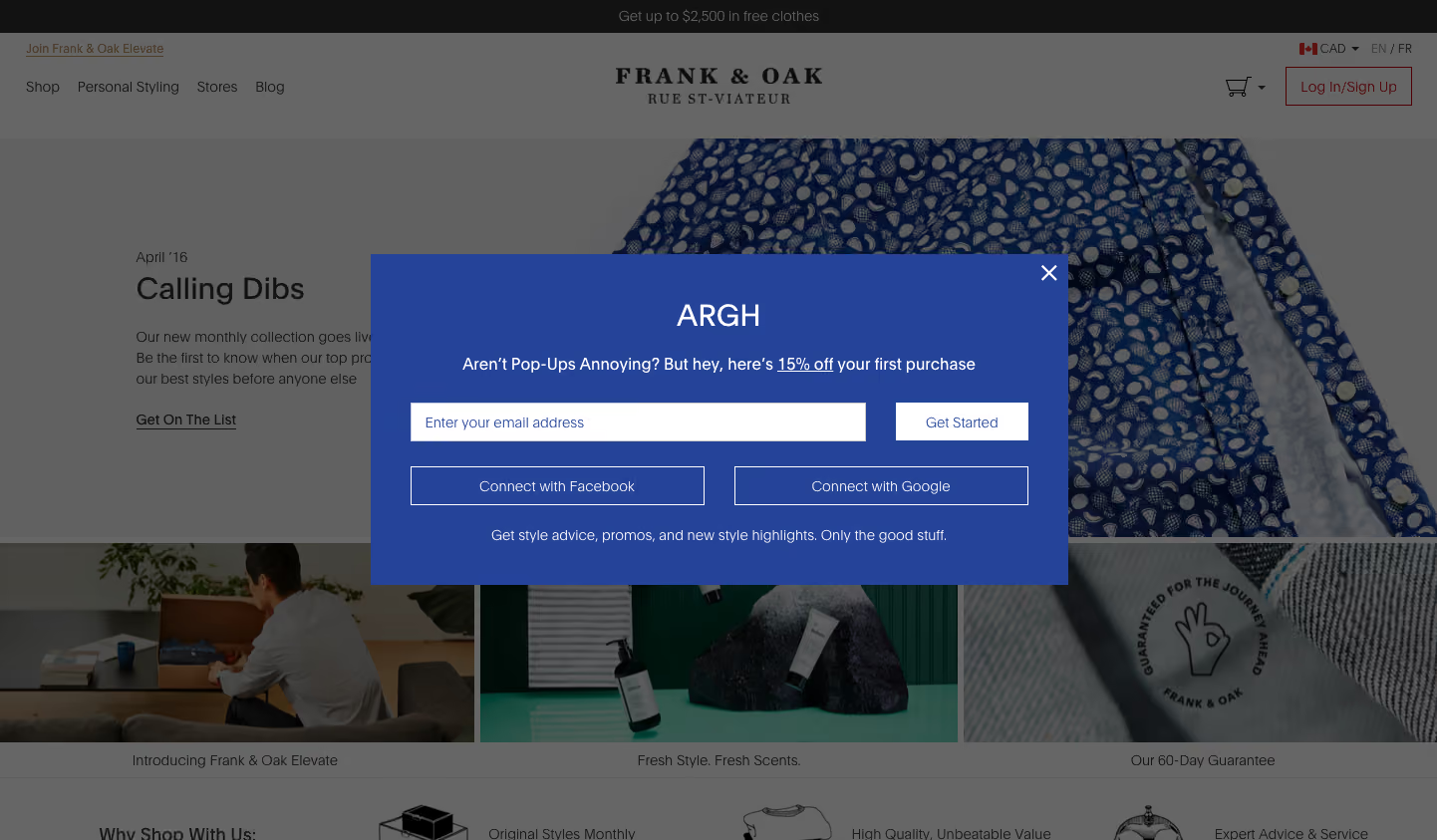
Note: Entry pop-ups can be annoying if they appear too soon, so it is important to optimize the timing and provide genuine value to the user.
- Exit-intent Pop-up – Appears when a user intends to leave the page
An exit-intent pop-up is a website pop-up that appears when the system detects that a user is leaving the page, usually based on mouse movement or clicking the back button.
Purpose:
- Retain customers with attractive offers.
- Remind customers to complete their abandoned carts.
- Collect emails for ongoing remarketing.
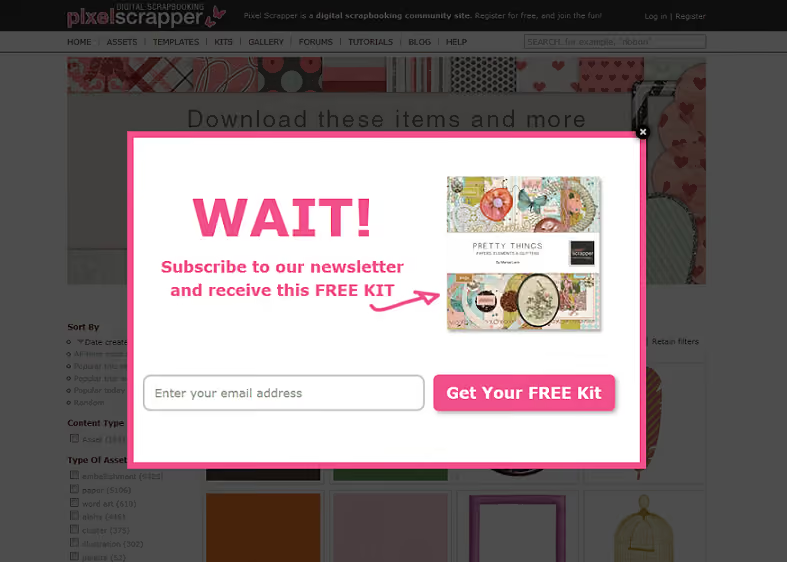
Example: When a customer intends to leave the page without making a purchase, a pop-up will appear "Wait! Get a 15% discount code if you complete your order right now!"
Note: Avoid disrupting the user experience by designing clean, easy-to-read pop-ups with a clear close button.
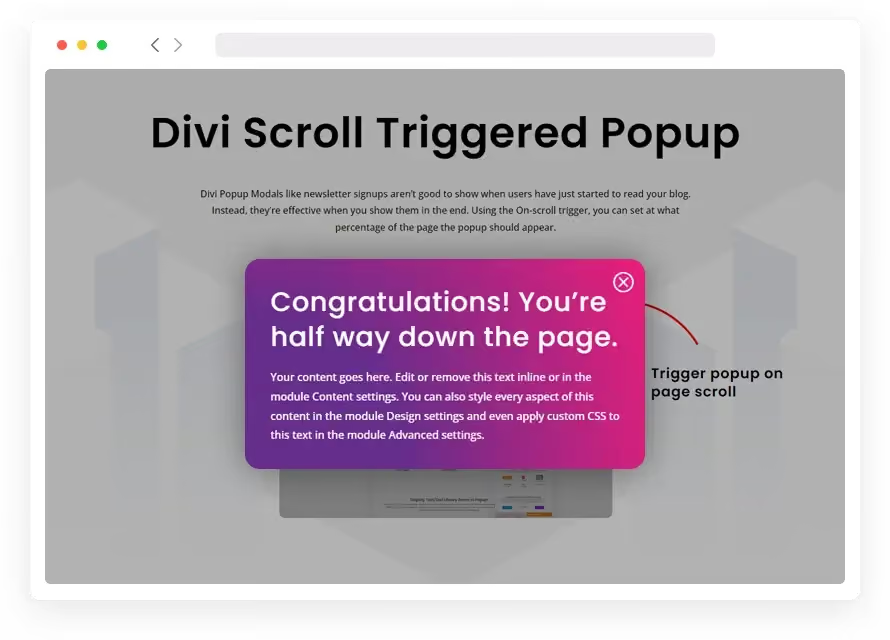
3. Scroll-triggered Pop-up – Appears when scrolling to a certain point
A scroll-triggered pop-up only appears when a user scrolls to a specific part of the webpage, usually 50% or 70% of the content.
Purpose:
- Remind users to sign up or take action once they have shown interest in the content.
- Promote offers while customers are viewing products.
- Help increase time spent on the page.
Example: A blog post can display a pop-up "Enjoyed this post? Sign up now to receive more great content!" when the user scrolls through 70% of the page.
Note: Do not display it too early; ensure the user has read a portion of the content before the pop-up appears.
4. Time-delayed Pop-up – Displayed after a set amount of time
A time-delayed pop-up appears after the user has been on the website for a specific duration (e.g., 10–30 seconds).
Purpose:
- Capture the attention of users who have already spent time engaging with the content.
- Provide offers or calls to action once customers have started to show interest.
- Help reduce bounce rate by keeping customers engaged longer.
Example: A pop-up can appear after 20 seconds with the message "Are you enjoying this content? Get an exclusive offer just for you!"
Note: We recommend A/B testing to determine the optimal timing for your pop-up. If it appears too early, it may annoy users.
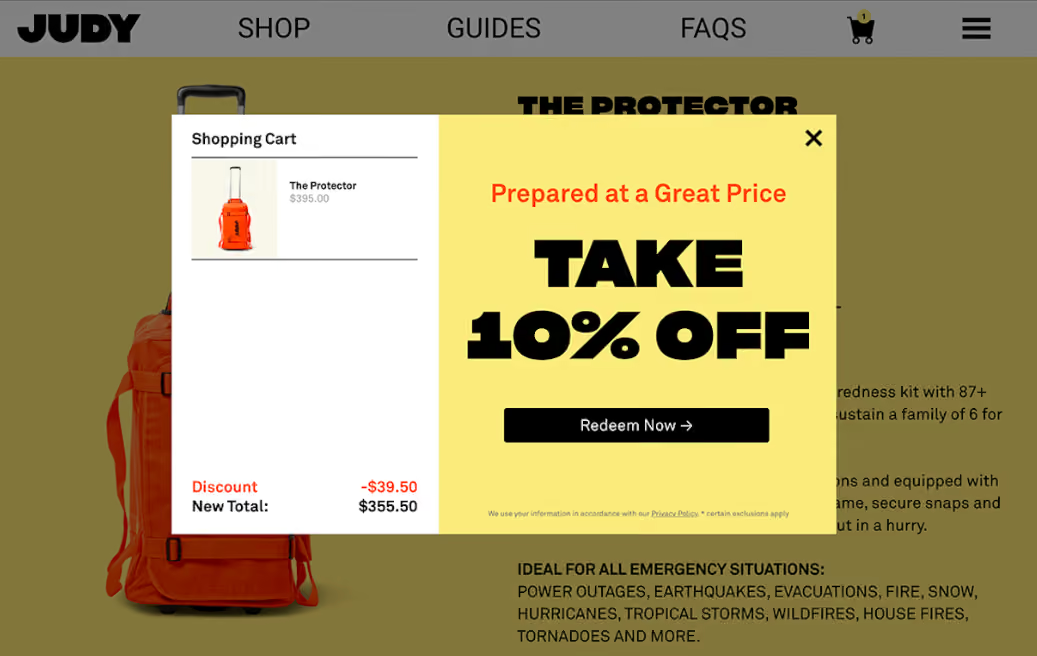
5. Click-triggered Pop-up – Appears when a user clicks a button or link
A click-triggered pop-up only appears when a user actively clicks on a specific button or link, rather than popping up automatically.
Purpose:
- Provide additional information without disrupting the user experience.
- Draw attention to specific offers or products.
- Help increase click-through rates (CTR) for marketing campaigns.
Example: A product page might display a button "View offer now", which opens a pop-up containing discount code information when clicked.
Note: This type of pop-up generally provides a better experience because users choose to view the content themselves.
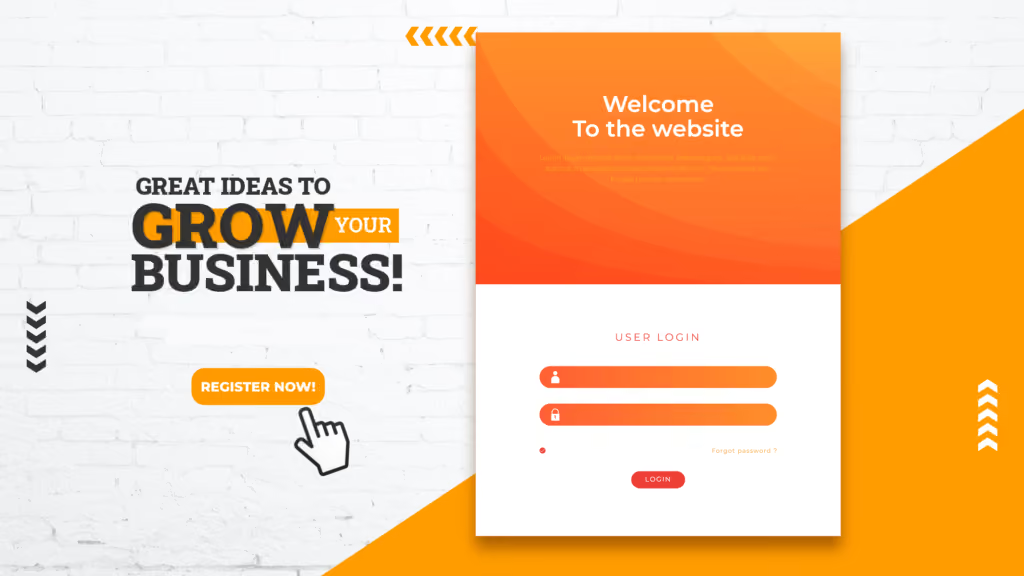
6. Floating Bar Pop-up – A compact bar displayed on the screen
A floating bar pop-up is a small bar located at the top or bottom of the website that remains visible without obstructing the main content.
Purpose:
- Remind customers about discount programs or important information.
- Display attention-grabbing notifications without disrupting the user experience.
- Maintain a persistent call-to-action (CTA) on the screen.
Example: A pop-up bar displayed at the bottom of the screen with the content "Free shipping on orders over 500K! Click here to claim your offer."
Note: Avoid displaying too much content on the floating bar to prevent cluttering the user's view.

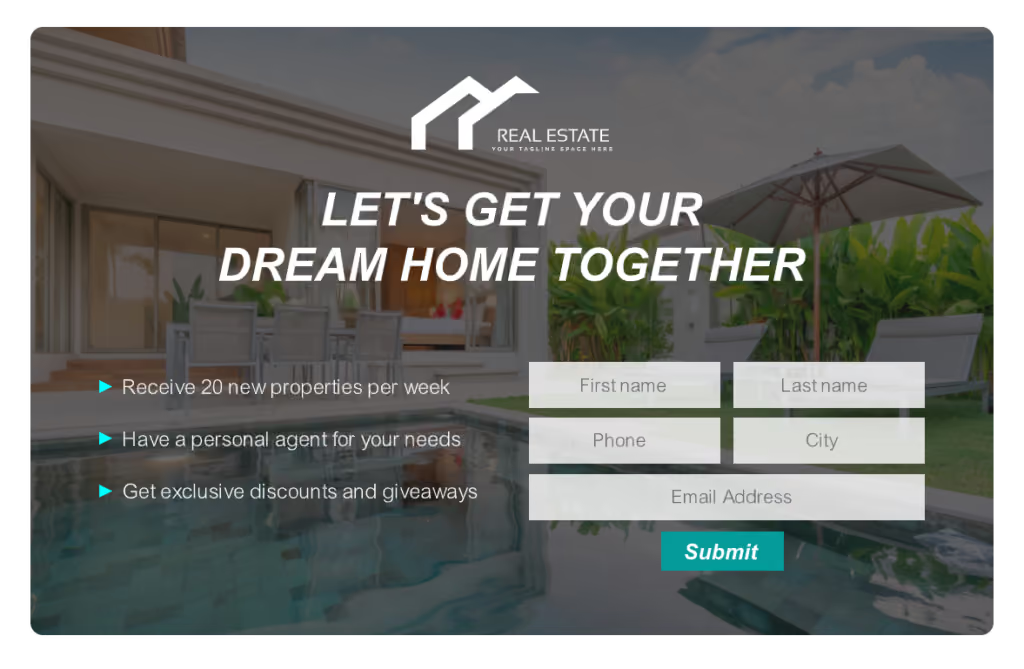
7. Full-screen Overlay Pop-up – Covers the entire screen when triggered.
A Full-screen Overlay Pop-up is a type of pop-up that occupies the entire screen when displayed, requiring the user to take an action before continuing to the main content.
Purpose:
- Create intense focus on an important message.
- Capture absolute attention for an offer or CTA.
- Reduce premature page abandonment.
Example: A website might display a pop-up "50% Flash Sale today only! Sign up now to get your discount code." with a blurred background to highlight the message.
Note: Google discourages full-screen pop-ups on mobile devices as they can negatively impact the user experience.
Each type of website pop-up has a different display method and purpose. To optimize effectiveness, you should:
- Choose the right type of pop-up for each situation.
- Design simple pop-ups that do not disrupt the user experience.
- Conduct A/B testing to determine which type of pop-up yields the highest conversion rate.
Using what a pop-up is effectively can help increase conversion rates, attract potential customers, and improve marketing performance!
How to use pop-ups effectively without being intrusive
Pop-ups are a useful tool for grabbing customer attention and increasing website conversion rates. However, if not implemented correctly, they can be annoying and negatively impact the user experience. Below are some ways to use website pop-ups effectively without bothering your customers.
Design attractive and user-friendly pop-ups
An effective pop-up requires not only relevant content but also a harmonious design that makes it easy for users to process the information.
- Keep content concise and focused on customer benefits. Avoid using too much text to prevent a cluttered look.
- Use clear and easy-to-understand CTAs (Call-to-actions), for example: "Sign up now", "Get the offer", "Download for free".
- Choose colors and fonts that match your website's interface, avoiding anything too jarring or visually distracting.
Example: A newsletter signup pop-up could include content like "Get the latest news & exclusive offers! Enter your email today."
Time your pop-ups strategically
The timing of your pop-up can determine whether users feel annoyed. To optimize effectiveness, consider the following:
- Avoid displaying a pop-up the moment a user lands on your website, as this can be intrusive before they have had a chance to explore your content.
- Instead of using entry pop-ups, prioritize exit-intent pop-ups, which only appear when the system detects that the user is about to leave the page.
- Avoid interrupting the reading experience, especially on blog posts or product pages.
For example: If a user has spent more than 30 seconds on the page, display a pop-up with the message "Enjoying this content? Sign up now to receive more helpful updates!"
Make it easy for users to close the pop-up
One of the main reasons pop-ups are viewed negatively is when users cannot find a way to close them. To ensure a better experience:
- Always provide a clear “X” button in the corner of the pop-up so customers can easily close it if they aren't interested.
- Avoid using full-screen pop-ups that lack a close option or force users to take action before they can continue browsing.
- If you use exit-intent pop-ups, you should include a “No, thanks” option so users can easily decline.
For example: A discount pop-up could include buttons like “Claim my offer” or “No, I don’t want to save money” to give customers a choice.
Personalize pop-up content based on user behavior
Displaying pop-ups that align with customer needs helps increase conversion rates without being intrusive. Here are some effective ways to personalize website pop-ups:
- Display pop-ups based on products the customer is interested in: If a user is viewing a specific product, the pop-up can suggest offers related to that item.
- Abandoned cart reminders: If a customer has added items to their cart but hasn't checked out, a pop-up can appear to remind them to complete their order.
- Discount pop-ups for returning customers: If a customer has visited the website before, you can display a pop-up with a special offer to encourage them to make a purchase.
For example: A personalized pop-up can display "Welcome back! Get 10% off your order today!"
Ensure pop-ups don't impact SEO
Google has strict guidelines regarding the use of pop-ups on websites, especially on mobile devices. If implemented incorrectly, pop-ups can negatively affect your SEO rankings. To avoid this:
- Avoid using full-screen pop-ups on mobile devices, as Google considers these disruptive to the user experience.
- Check page load speeds when using pop-ups, as they can slow down your website if not properly optimized.
- Ensure pop-ups do not violate Google's policies regarding Interstitial Ads, especially those that obscure main content immediately upon page access.
Example: Instead of using full-screen mobile pop-ups, consider using a Floating Bar Pop-up or a small corner pop-up that doesn't interfere with the main content.
Professional pop-up creation tools
Website pop-ups help increase conversion rates and effectively engage customers. Below are some tools to help you create professional pop-ups.
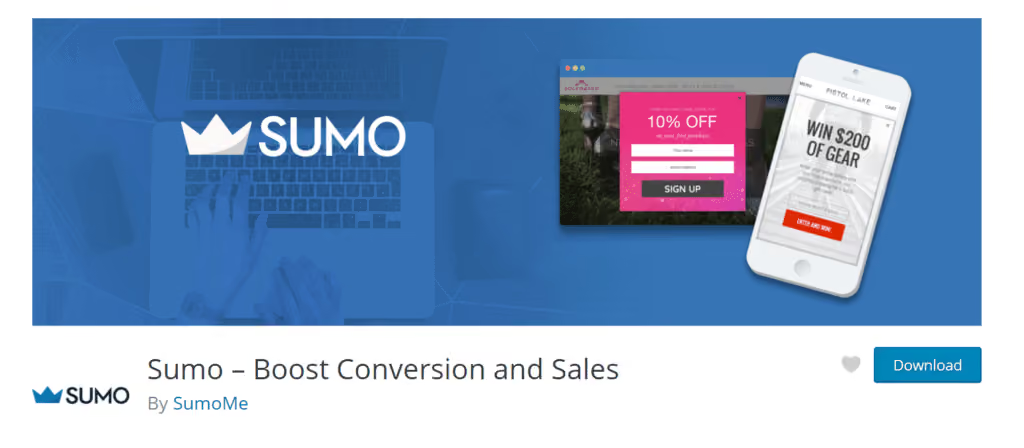
Sumo – A free, easy-to-use tool: Sumo allows you to create email capture pop-ups, integrates with Mailchimp and HubSpot, and offers a variety of customizable templates. It is suitable for small businesses and beginners.
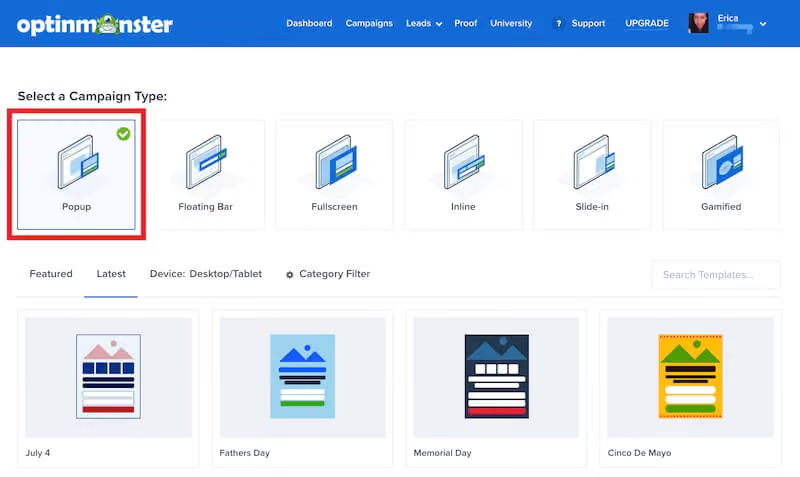
OptinMonster – Conversion-optimized pop-ups: OptinMonster supports various pop-up types such as Exit-intent and Scroll-triggered, helping to personalize content and optimize marketing effectiveness. It integrates well with WordPress and Shopify.
Mailchimp – Email collection pop-ups: Mailchimp makes it simple to create pop-ups and automatically send welcome emails when customers sign up. It offers easy interface customization and flexible display timing settings.
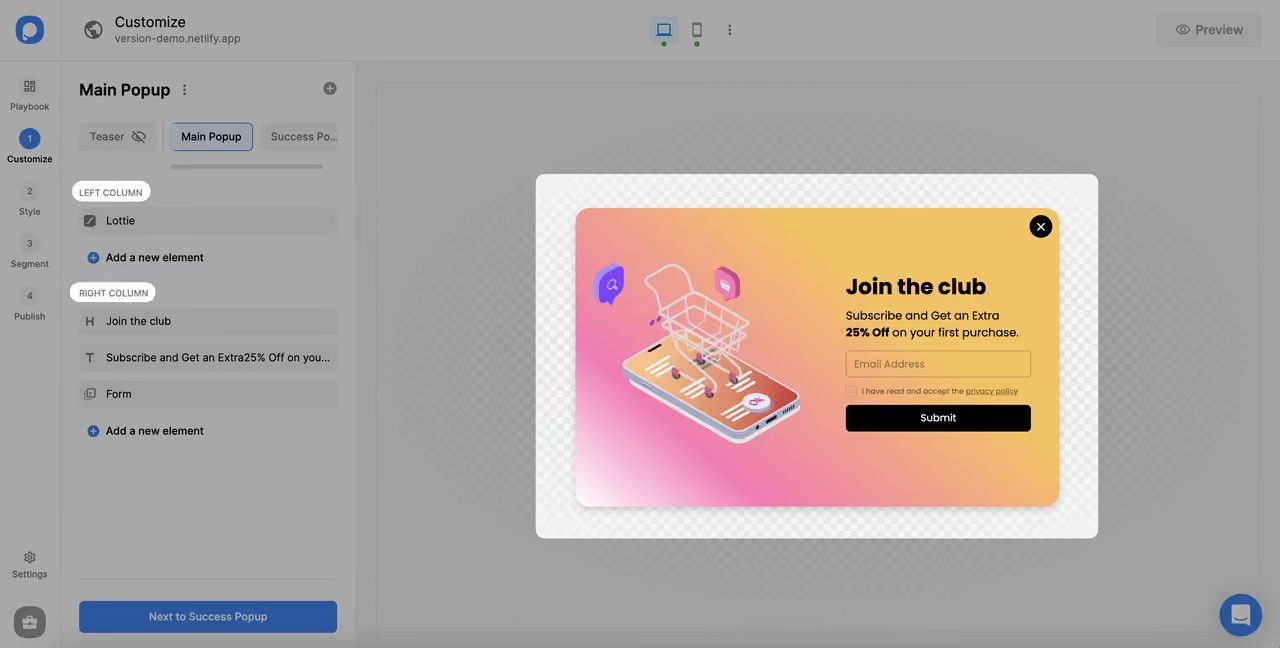
Popupsmart – No-code pop-up builder: Popupsmart provides a drag-and-drop interface, optimizes page loading speeds, and supports a wide variety of pop-up types. It is compatible with WordPress, Wix, and Shopify.
Website pop-ups are powerful tools for increasing conversion rates, attracting customers, and supporting marketing campaigns. However, to use them effectively without being intrusive, you must pay attention to design, display timing, ease of closing, content personalization, and SEO compliance.
By implementing pop-ups correctly, your website can enhance the user experience and optimally improve marketing performance.
Conclusion
Website pop-ups are powerful tools for increasing engagement, capturing leads, and driving sales. However, to achieve high effectiveness without being intrusive, you must pay attention to design, display timing, personalized content, and SEO best practices. Using the right type of pop-up and the appropriate tools will help you maximize their potential while ensuring a positive user experience.


