


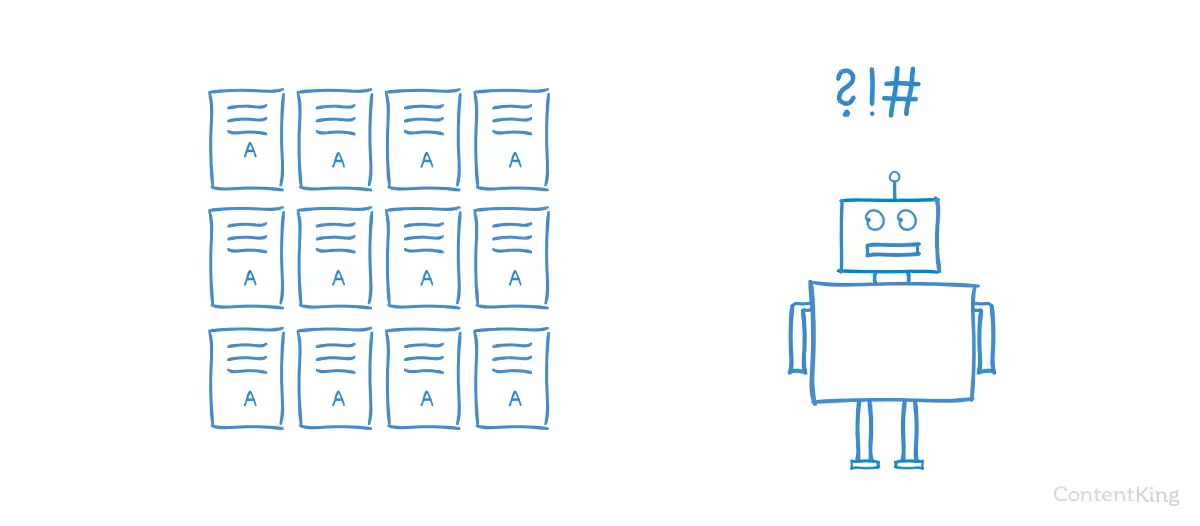

When optimizing for SEO, a website not being indexed by Google (Not Indexed) is a serious issue that directly impacts its visibility in search results. When a page is Not Indexed, it means it cannot attract users from Google, leading to reduced traffic and missed growth opportunities. So, what is Not Indexed? What causes a website to not be indexed? How can you fix this and ensure your site always appears on Google? Let’s join Markdao to explore the details in this article to optimize your SEO as effectively as possible.
What is Not Indexed?
Not Indexed is an SEO term used to describe web pages that Google has not included in its index. When a page is not indexed, it will not appear in Google search results, even if a user enters the exact URL of that page.
Google uses crawlers (Googlebot) to scan and index content on the internet. However, if a page is ignored by Google or cannot be indexed, it falls into the Not Indexed status. This can be due to various reasons such as duplicate content, technical errors, being blocked in the robots.txt file, or lacking value for users.
Why is a page not being indexed by Google a critical issue?
If a page is Not Indexed, it means:
- The page will not appear on Google, even if it contains useful content.
- Users cannot find the page through organic search.
- The website loses the opportunity to reach potential customers.
Indexing is the first and most important step for a web page to rank on Google. If a page is not indexed, all other SEO efforts such as keyword optimization, link building, or improving user experience become meaningless.
The impact of "Not Indexed" on website rankings and traffic
A website that is Not Indexed will face many disadvantages in SEO:
- Reduced Google traffic: Since the page is not in the index, it cannot appear in search results, leading to missed opportunities to attract users.
- Negative impact on overall website ranking: If many pages on a website are "Not Indexed," Google may perceive the site as having quality or technical issues, which can affect overall SEO.
- Impact on revenue and conversions: For e-commerce or service websites, not being indexed means losing potential customers and experiencing lower conversion rates.
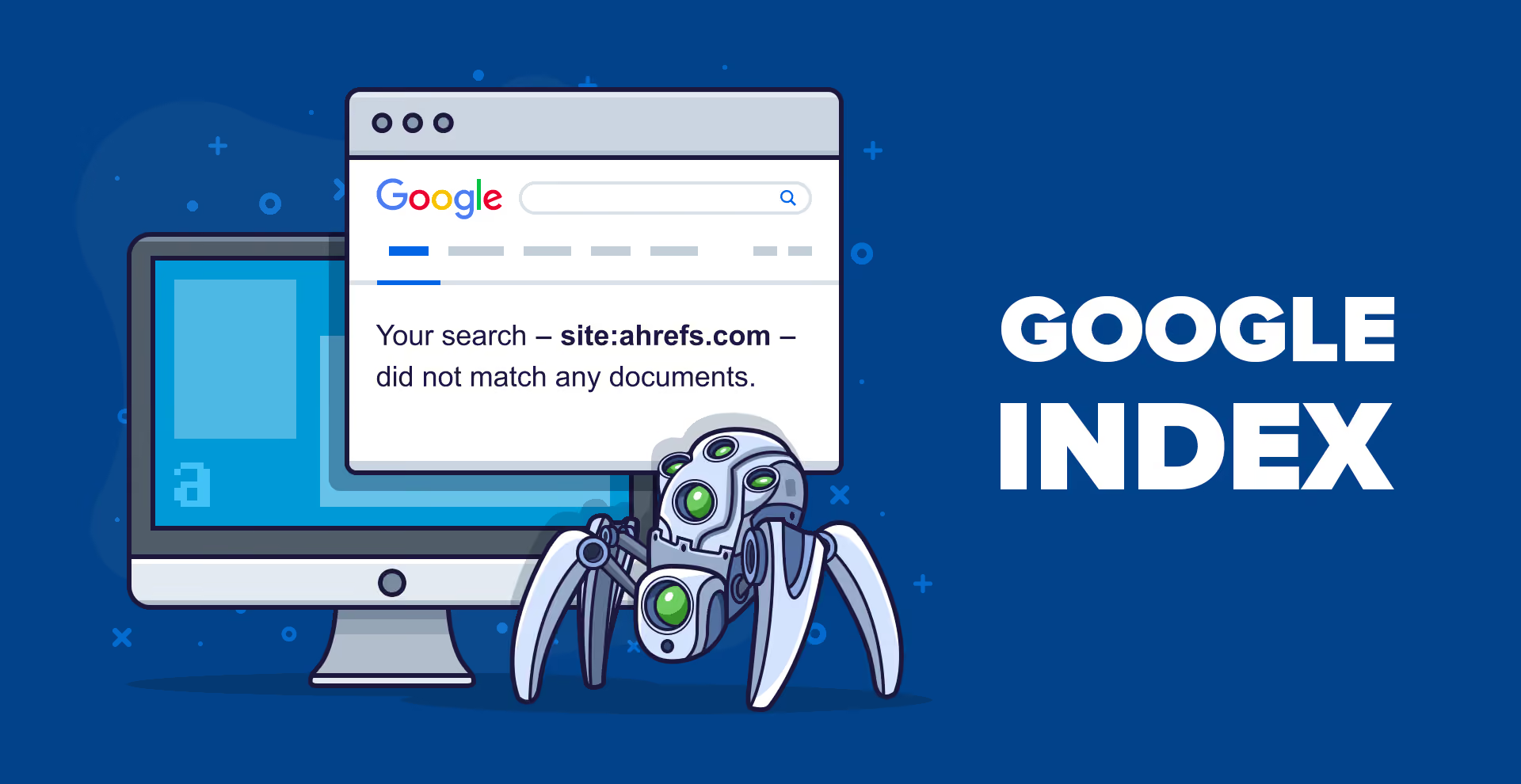
Reasons why a website might be "Not Indexed"
Now that you understand what "Not Indexed" means, you need to know why your web pages aren't being indexed by Google. Below are the common reasons why a page ends up in a "Not Indexed" state and how to fix them.
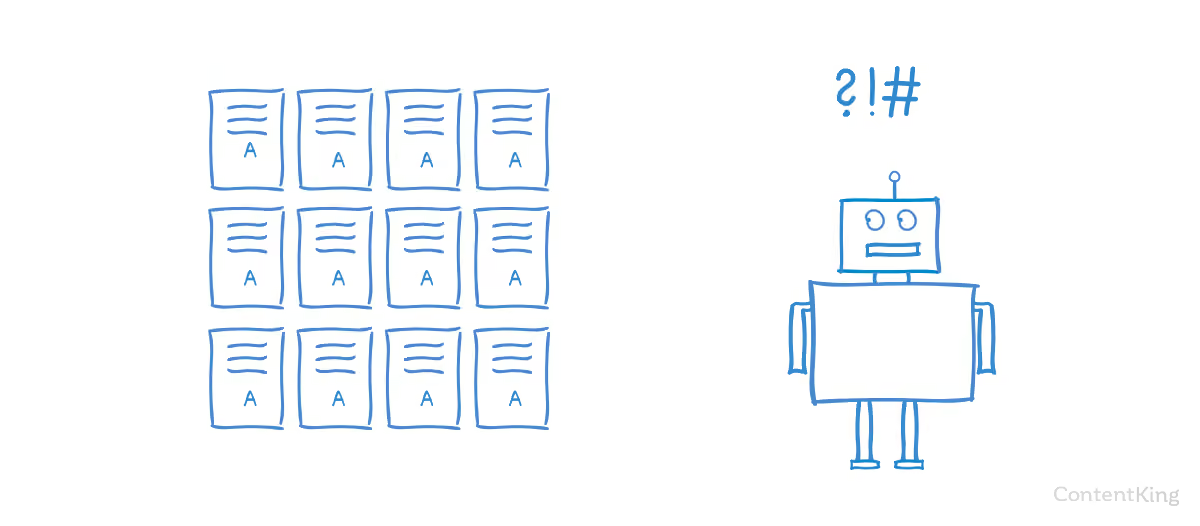
Duplicate Content
One of the top reasons why a web page is Not Indexed is due to duplicate content. When Google detects that a page's content is too similar to other pages (either on the same website or on other websites), the search engine may ignore it and choose not to index that page.
Common cases of duplicate content:
- Content copied from other sources: If your website copies content from other sites without adding any extra value, Google may choose not to index it, as it considers the content unoriginal.
- Product pages with identical descriptions: This is a common issue in e-commerce, where many products have nearly identical descriptions, resulting in duplicate content.
- Automatically generated content with no real value: If a website uses automated tools to generate content that provides no useful value to users, Google may classify it as "thin" content and not index it.
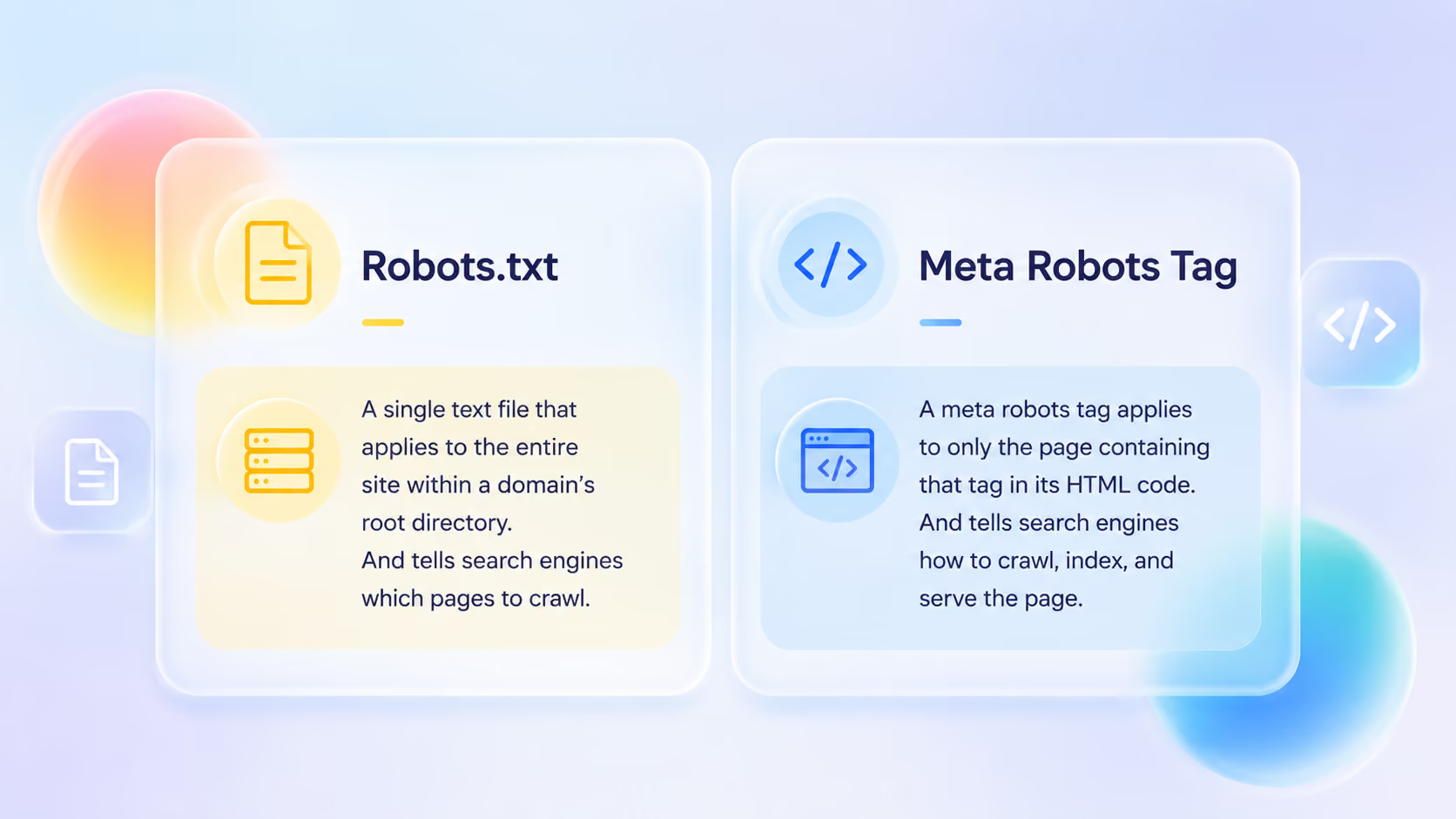
Page blocked from indexing in the robots.txt file or via meta robots tags
If you have checked the content but the page is still Not Indexed, it might be blocked by robots.txt or meta robots tags.
- robots.txt: This is a configuration file used to instruct Googlebot on which parts of your website to crawl or avoid. If it contains a Disallow: / line or blocks a specific URL, that page will not be indexed by Google.
- Meta robots tags: If the page's HTML code contains the <meta name="robots" content="noindex"> tag, Google will not index that page, even if it contains high-quality content.
Page blocked from indexing in the robots.txt file or via meta robots tags
Lack of quality content
Google prioritizes indexing pages that provide value to users. If a page has content that is too short, thin, or unhelpful, it may be Not Indexed.
Signs of low-quality content:
- Content is too short: Pages with only a few sentences or content that provides no useful information are often ignored by Google.
- Pages containing excessive boilerplate content: If a page has too much generic, repetitive content without anything new, Google may consider it "thin" content.
- No value for users: If the content does not help readers solve problems or provide useful information, the page may not be indexed.
Technical errors and poor user experience
Besides content, technical issues can also cause a website to be Not Indexed. Some common errors include:
- Crawl Errors: If Googlebot cannot crawl a page due to server errors (5xx) or 404 errors (page not found), that page will not be indexed.
- Slow page load speed: Google values user experience, so if a page loads too slowly, it may be ignored.
- Page is not mobile-friendly: Google prioritizes indexing pages that provide a good mobile experience. If a page is not compatible with mobile devices, Google may limit its indexing.
A website being Not Indexed can stem from many causes, ranging from duplicate content, technical errors, and indexing blocks to poor content quality. To ensure your website performs effectively and is indexed by Google, you need to regularly check and optimize the factors mentioned above.
How to resolve "Not Indexed" issues
Issue Not Indexed can severely impact your website's SEO performance. When a page is not indexed, it will not appear in search results, leading to missed opportunities to attract traffic from Google. Below are detailed steps to help resolve this situation.
Check the indexing status of the page
First, you need to determine whether the page has been indexed by Google. There are two ways to check:
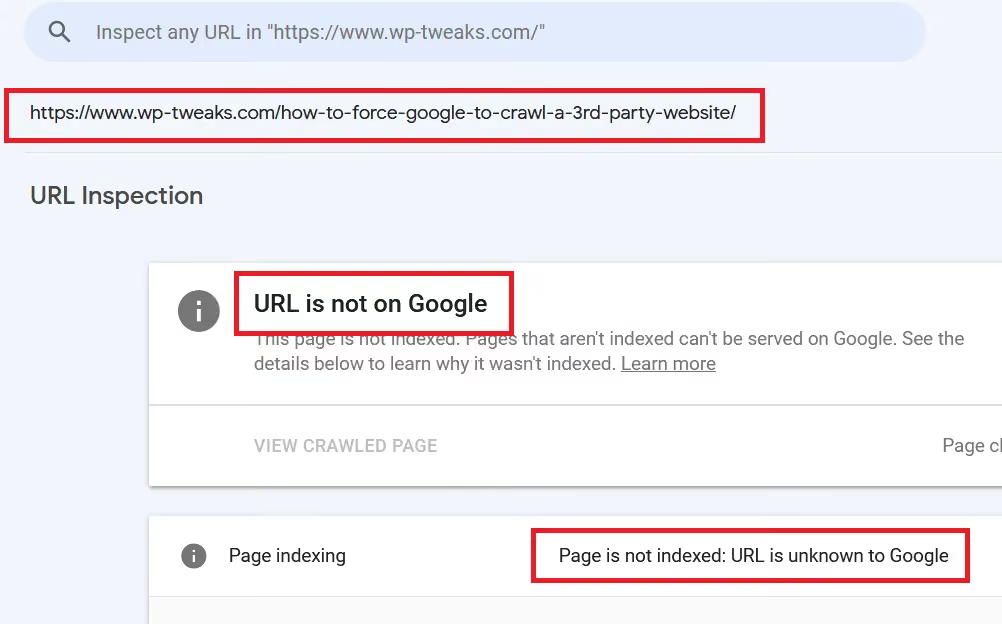
- Use Google Search Console: Access Google Search Console and enter the URL you want to check into the URL Inspectiontool. If you receive the message “URL is not on Google,” it means the page has not been indexed.
- Search directly on Google: Enter the syntax site:yourdomain.com/your-page into Google. If the page does not appear in the results, it means it has not been indexed by Google.
Additionally, you can check for errors in the Pages > Not Indexed section of Google Search Console to find the specific reason why the page is not indexed.
Fix duplicate content issues
One of the common reasons Google ignores a webpage is duplicate content. Google prioritizes unique and useful content for users; if a website contains too much identical content, it may be excluded from the indexing process.
Common causes of duplicate content:
- Content copied from other sources without added value.
- E-commerce product pages with identical descriptions.
- Automatically generated content with no real value.
How to fix:
- Rewrite the content in your own words to provide genuine value to users.
- Remove or adjust duplicate content to improve uniqueness.
- If there are multiple versions of the same content, use the canonical tag (rel="canonical") to tell Google which page is the primary version to prioritize for indexing.
Check for and fix indexing blocks
Sometimes, a website may be accidentally blocked from indexing due to incorrect settings in the robots.txt file or noindex meta tag.
How to check:
- Check your robots.txt file by visiting yourdomain.com/robots.txt. If you see a line that says Disallow: /, your site might be blocked from indexing.
- Check the page's HTML code; if you see the line <meta name="robots" content="noindex">, it means the page has been instructed not to be indexed.
How to fix:
- Update your robots.txt file to ensure important pages are not blocked by a Disallow directive.
- Remove the noindex meta tag on pages that need to be indexed by Google.
Improve content quality
Google prioritizes indexing pages with valuable content that helps users find useful information. If a website contains thin content or lacks real value, Google may not index it.
Common issues:
- Pages with too little content that do not provide useful information.
- Content that is not unique, is duplicated, or is too generic.
How to improve:
- Write detailed, in-depth content that provides real value to readers.
- Use images, videos, and tables to make content more engaging.
- If your website features User-Generated Content (UGC), monitor quality to avoid spam or unhelpful content.
Fix technical errors and optimize user experience
Technical errors or poor user experience can be reasons why Google does not index a website.
Common errors:
- Crawl errors that prevent Googlebot from accessing the page.
- Slow page load speeds reduce indexability.
- The website is not mobile-friendly.
How to fix:
- Check for crawl errors in Google Search Console and fix them.
- Increase page load speed by:
- Optimizing images to reduce file size without compromising quality.
- Using a CDN (Content Delivery Network) to distribute content faster.
- Minimizing unnecessary JavaScript/CSS code to improve page load speed.
- Ensure your website is mobile-friendly (Responsive Design), as Google prioritizes mobile-first indexing.
Request Google to re-index the page
Once issues have been resolved, notify Google to re-index the page more quickly.
How to do it:
- Go to Google Search Console, and use the URL Inspection Tool to re-check the URL.
- Click "Request Indexing" to submit a re-indexing request.
- If you have multiple pages that need indexing, submit an XML Sitemap in the Sitemaps section of Google Search Console to allow Google to crawl your entire website.
Fixing Not Indexed issues not only helps your site appear on Google but also improves your overall SEO rankings. To ensure your site is indexed quickly, you need to check for errors, optimize content, fix technical issues, and submit re-indexing requests. Maintaining high-quality content and improving user experience are also crucial factors in helping your website maintain its position on search engines.
Conclusion
The "Not Indexed" status not only causes your website to lose potential traffic but also impacts your overall SEO performance. To resolve this, you should regularly check your indexing status in Google Search Console, optimize your content, fix technical errors, and ensure the best possible user experience. Additionally, proactively requesting Google to re-index your pages after making improvements will help your site get indexed faster. By applying these methods, you can improve your search rankings, boost your presence on Google, and attract more potential customers.


