



Did you know that your website's interface can determine a customer's first impression in just a few seconds? In the world of WordPress, themes are the "outfit" that makes your website professional, engaging, and optimized for user experience.
But how do you choose the right theme ? Is installing a WordPress theme difficult? Don't worry! In this article, Markdao will guide you step-by-step from A to Z, helping you quickly acquire a beautiful, SEO-friendly, and smooth-running website interface.
What is a theme?
In web design, the interface plays a crucial role in attracting users and creating a unique brand identity. A theme is a framework that defines how your website is displayed, including its layout, colors, fonts, images, and various other graphic elements.
Each theme is typically pre-designed with various styles, allowing users to customize it to suit their specific needs without requiring any programming knowledge. As a result, building a professional website becomes easier and more time-efficient.
The role of themes in website design:
Using the right interface not only makes your WordPress website look great but also impacts user experience and overall performance. Here are some key roles:
- Define your style and brand: A professional, visual design helps businesses or individuals express their unique personality and make a strong impression on visitors.
- Improve user experience: A well-organized layout makes it easy for users to find information, increases engagement time, and reduces bounce rates.
- Optimize performance: Many themes are programmed for optimization, helping websites load faster, run stably, and display perfectly on all devices.
- Flexible customization support: Users can easily change colors, layouts, fonts, or add extra features without needing to touch the source code.
- SEO support: Some themes come pre-optimized for search engines, helping your site rank better on Google and reach more potential customers.
Given these benefits, choosing the right theme is a crucial factor in ensuring your website performs effectively and provides the best user experience. In the next section, we will explore the types of themes popular today and how to choose the one that fits your needs.
Overview of WordPress website themes
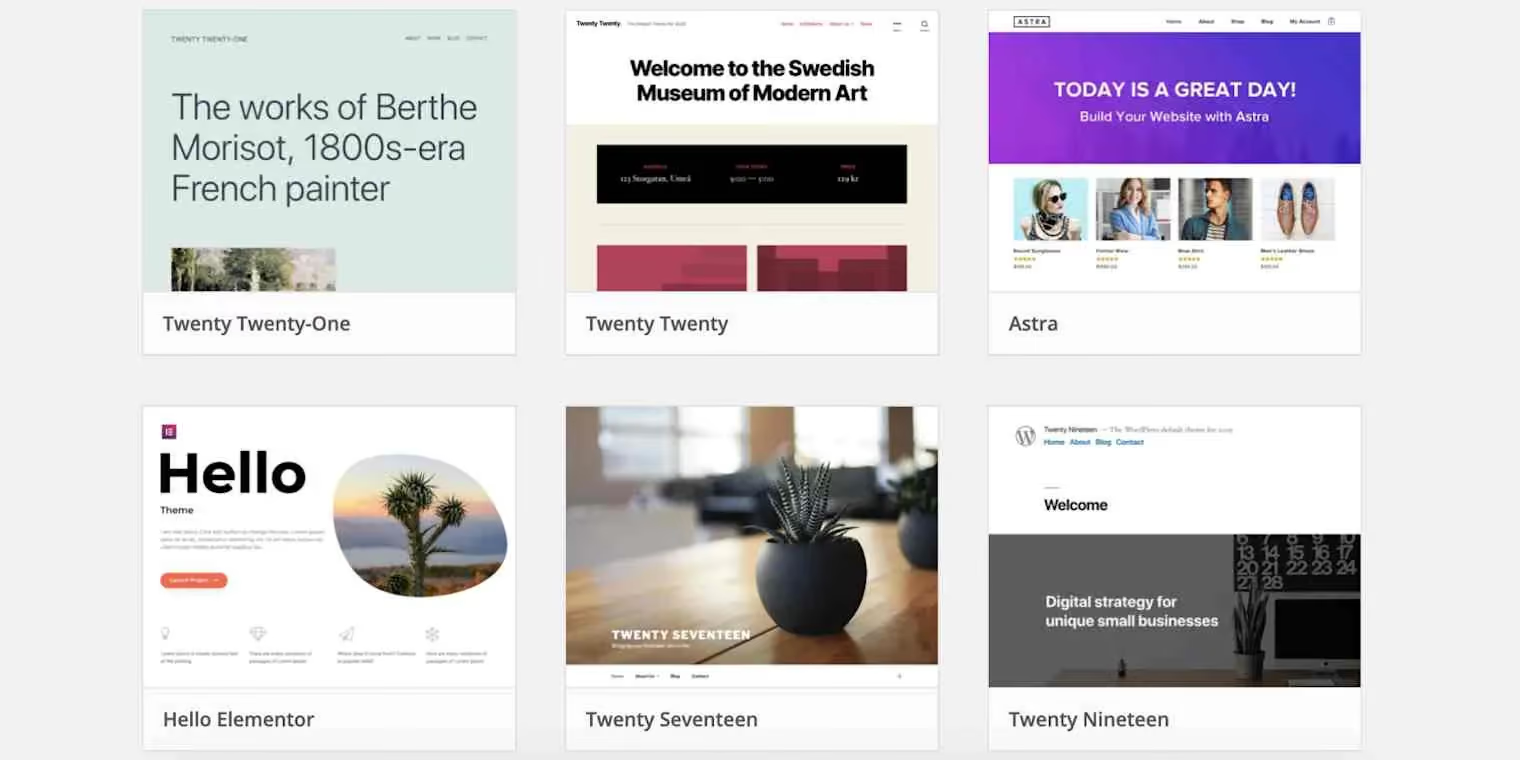
The interface is one of the most important elements when building a website. In this content management system, using pre-made design templates helps users easily create a professional website without requiring extensive programming knowledge.
Benefits of using themes for WordPress
Choosing the right design template offers many benefits, especially in optimizing performance and enhancing a website's competitiveness. Here are some notable advantages:
- Easy to use and customize: Without needing to know how to code, users can still change layouts, colors, fonts, and other elements with just a few clicks.
- Save time and money: Compared to designing from scratch, using pre-made templates shortens deployment time while still ensuring a professional look.
- Compatible with multiple devices: Most modern interfaces are optimized to display well on both desktops and mobile devices, providing a consistent user experience.
- Excellent SEO support: Many templates are optimized according to search engine standards, helping websites easily achieve high rankings on Google.
- Built-in useful features: Some templates come with tools like drag-and-drop page builders, advanced content management systems, or sales support plugins.
WordPress Theme Classification
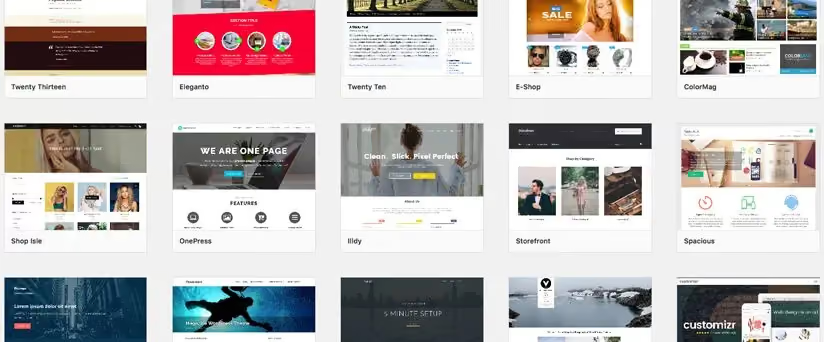
There are many ways to classify design templates based on different criteria. Below are the three most common categories:
Based on purpose
- Themes for personal blogs: Focused on simple, readable layouts with strong support for writing posts.
- Business themes: Professionally designed and suitable for showcasing services, products, or building a brand.
- E-commerce themes: Integrated with features to support sales, shopping carts, and online payments.
- Portfolio themes: Designed for photographers, designers, or freelancers looking to showcase their work and personal projects.
By feature
- Minimalist design: Lightweight, fast, and free of overly complex effects; ideal for news sites or blogs.
- Multipurpose design: Highly customizable and suitable for a wide variety of websites.
- Design with built-in page builder: Integrates drag-and-drop tools like Elementor to make designing easier.
- SEO-optimized design: Features optimized code and fast loading speeds to perform well on search engines.
By price
- Free themes: Provided by the community or the WordPress platform itself; suitable for small websites or beginners.
- Premium themes: Offer advanced features, better technical support, and regular updates.
- Custom-built themes: Designed specifically to meet the unique needs of a business or individual, ensuring exclusivity.
How to choose the right theme for your website
To find the right design, users should consider several key factors:
- Define your specific needs: Before choosing, clearly define the purpose of your website—whether it is for news, e-commerce, or a business portfolio.
- Check for compatibility: Ensure the interface works well across all devices and supports popular browsers.
- Optimize page load speed: Choose templates with lightweight source code to avoid impacting website performance.
- Flexible customization options: If you need to change the layout or colors, prioritize templates with easy-to-use customizers.
- Regular support and updates: Templates from reputable developers are updated periodically, keeping your website secure and stable.
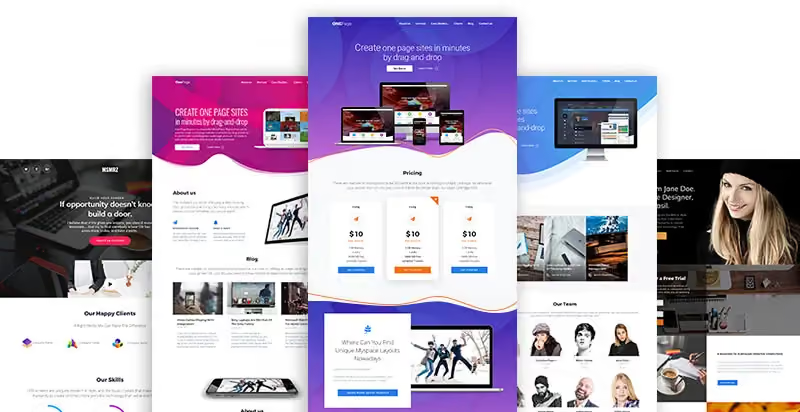
Choosing a Theme affects not only aesthetics but also performance and user experience. Therefore, take the time to research and select the template that best fits your needs.
Guide: 3 ways to install a WordPress theme
Once you have selected a suitable design, the next step is to install and activate it on your site. Below is a detailed step-by-step guide, suitable for both beginners and those looking to optimize their installation process.
1. Install a theme directly from the WordPress library
This is the simplest method, applicable to free templates available in the official library.
Step 1: Access the WordPress dashboard
- Log in to the dashboard using your administrator account.
- On the left-hand menu, select Appearance > Themes.
Step 2: Find a suitable theme
- Click the Add New.
- Use the search bar to enter keywords or browse through categories such as featured, popular, or latest.
Step 3: Install and activate
- Once you find a template you like, click Install.
- After the installation is complete, click Activate to apply it to your website.

Note: Some themes may require additional plugins to function with full features. Check for notifications after activation.
2. Installing a theme by uploading a ZIP file
If you have a design file from an external source or purchased from sites like ThemeForest or MyThemeShop, you can install it manually.
Step 1: Prepare the installation file
- Download the theme file in .zip format from a trusted source.
- Check the file size to ensure it does not exceed the WordPress upload limit (typically 2MB – 64MB).
Step 2: Upload the ZIP file
- Go to Appearance > Themes.
- Click Add New > Upload Theme.
- Select the .zip file and click Install Now.
Step 3: Activate the theme
- Once the upload is complete, click Activate to use it.
Note: Some premium themes may require a license key to receive official updates and support.
3. Installing a Theme via FTP (For advanced users)
If you encounter errors when uploading the ZIP file or prefer to install directly via the server, you can use the FTP method.
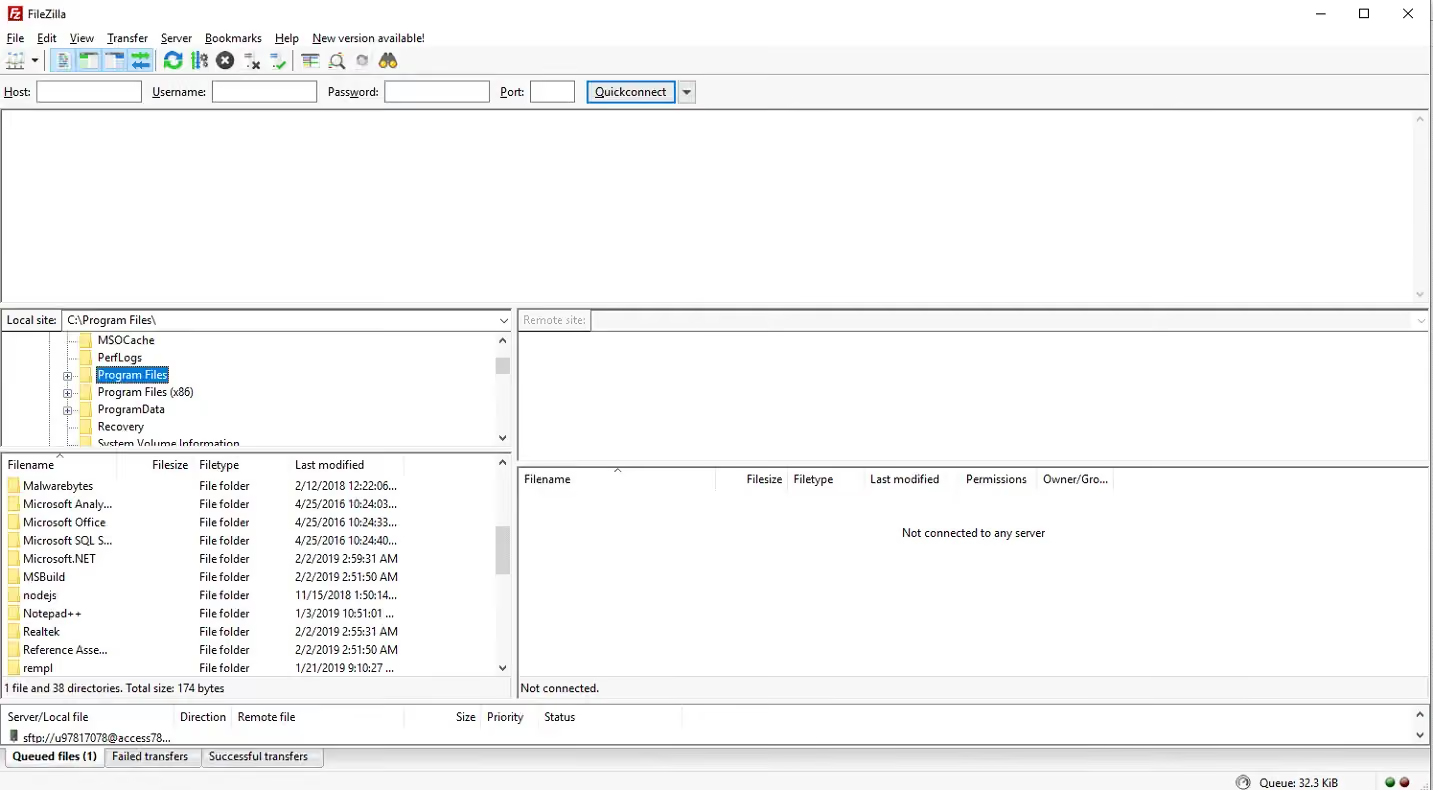
Step 1: Connect to the server via FTP
- Use an FTP client like FileZilla to connect to your hosting.
- Log in using the FTP credentials provided by your hosting provider.
Step 2: Upload the file to the themes directory
- Unzip the .zip file on your computer.
- Navigate to the /wp-content/themes/ directory on your server.
- Upload the entire unzipped folder here.
Step 3: Activate in WordPress
- Return to your WordPress admin dashboard.
- Go to Appearance > Themes, find the theme you just uploaded, and click Activate.
Note: This method is typically used when the ZIP file is too large or your hosting has upload size limits.
4. Check and customize the theme after installation
Once activated, you should check to ensure the theme displays as expected.
- Preview the theme: Visit your homepage to check the layout and displayed elements.
- Customize the theme: Go to Appearance > Customize to adjust colors, fonts, logo, header, and footer.
- Install supplementary plugins: Some themes require accompanying plugins to display all features.
If any errors occur, you can switch back to the default theme to troubleshoot and fix them.
Installing a theme for WordPress is simple and flexible, with several different methods available. Depending on your needs, you can choose to install quickly from the library, upload a ZIP file, or use FTP. After installation, don't forget to fine-tune the settings to ensure your website looks perfect.
What are the most popular WordPress themes today, and what should you keep in mind when using a website theme?
Choosing the right theme for WordPress website design not only helps your site look more professional but also directly impacts user experience and page load speed. Below are the most highly-rated and widely used themes today.
5 most popular WordPress themes today
1. Astra – Lightweight, SEO-optimized theme
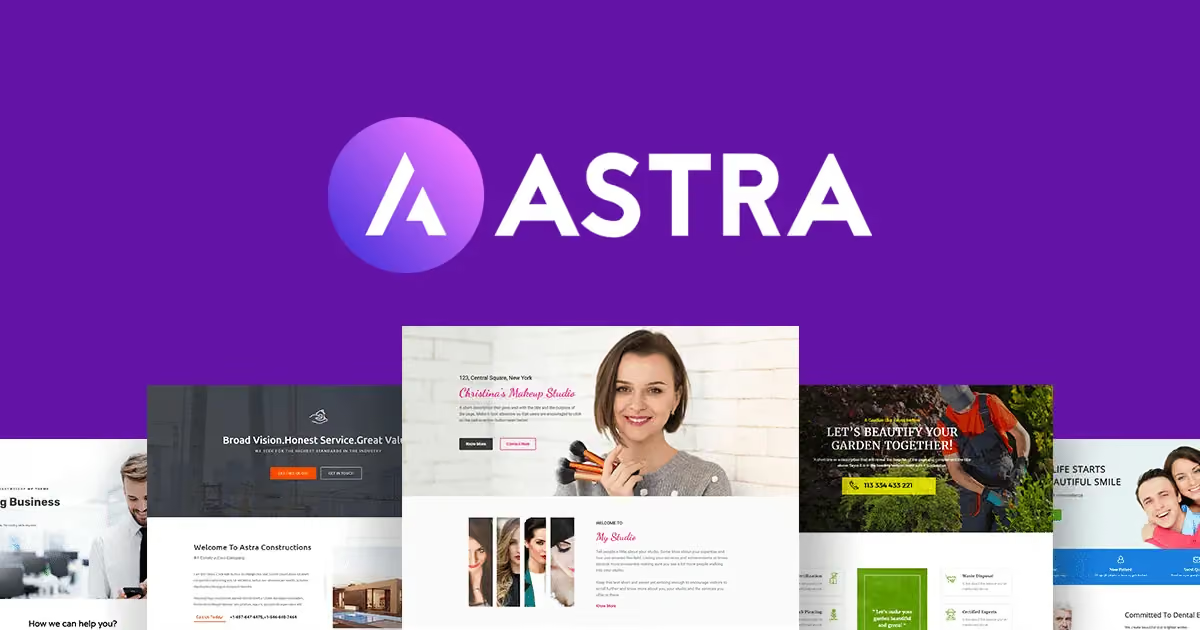
Astra is one of the most widely used themes thanks to its fast loading speed, flexible customization options, and excellent SEO optimization. Astra works seamlessly with popular page builders like Elementor, Beaver Builder, and Gutenberg.
Pros:
- Fast loading speed, lightweight, and free of bloated code.
- Highly compatible with WooCommerce, making it suitable for e-commerce websites.
- The free version is feature-rich, while the Pro version offers many advanced options.
2. GeneratePress Theme – High performance, powerful customization
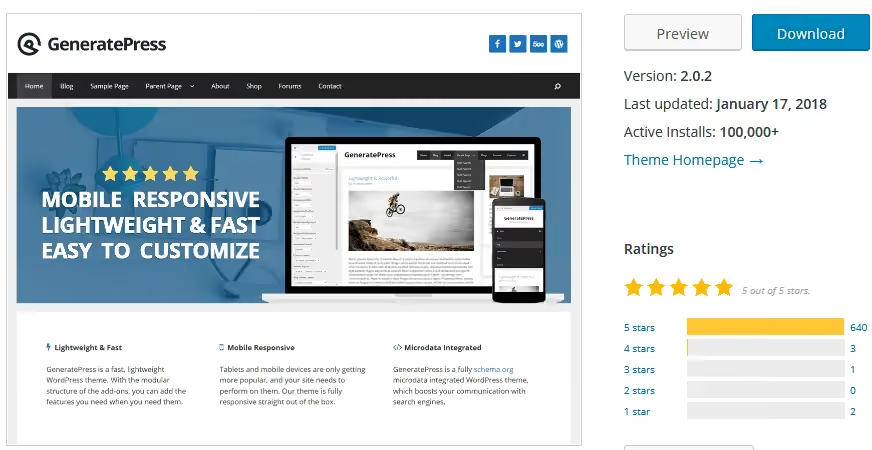
GeneratePress is renowned for its speed optimization, helping websites run smoothly even on low-configuration hosting. It is an ideal choice for those who want to create a lightweight, fast, and SEO-friendly website.
Pros:
- Compact size, only about 10KB after installation.
- Powerful customization capabilities via the WordPress Customizer.
- The premium version includes numerous modules for in-depth interface customization.
3. OceanWP – A great choice for e-commerce
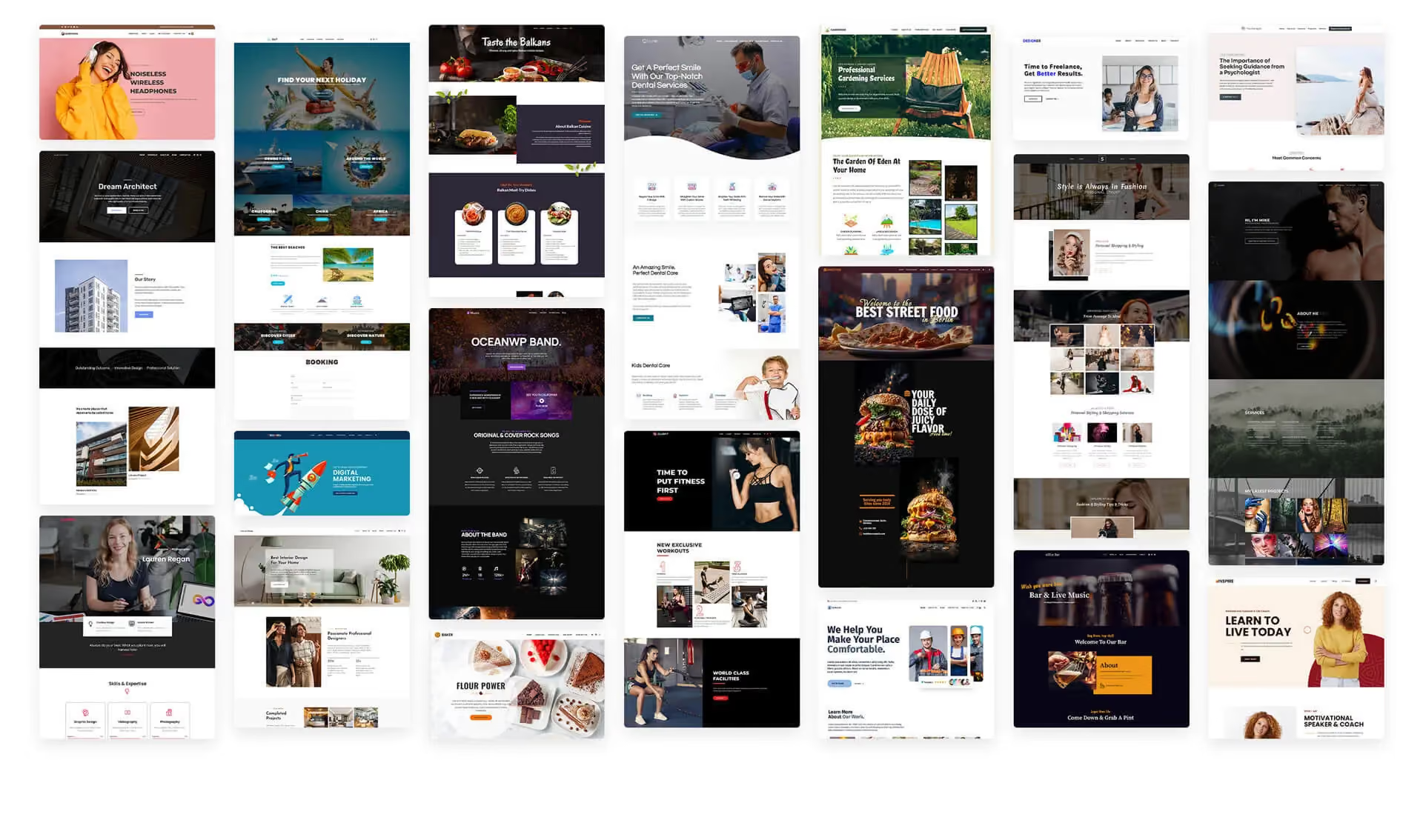
If you want to build a professional e-commerce website on WordPress, OceanWP is one of the top choices. This theme offers excellent WooCommerce support and provides many pre-built demos for quick deployment.
Pros:
- Integrates many features specifically for online stores.
- Fast loading speed, optimized for user experience.
- Supports numerous extensions to optimize your website.
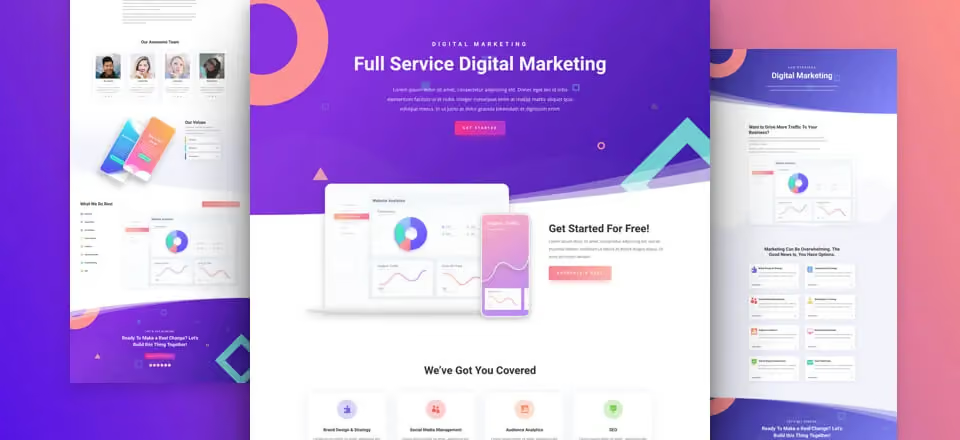
4. Divi – A versatile theme with drag-and-drop support
Divi is more than just a theme; it comes with a powerful page builder that makes it easy to design your website without needing to code. It is an ideal choice for those who value creativity and flexible customization.
Pros:
- Intuitive, easy-to-use drag-and-drop page builder.
- Hundreds of pre-made design templates to save you time.
- Suitable for all types of websites, from blogs and businesses to e-commerce stores.
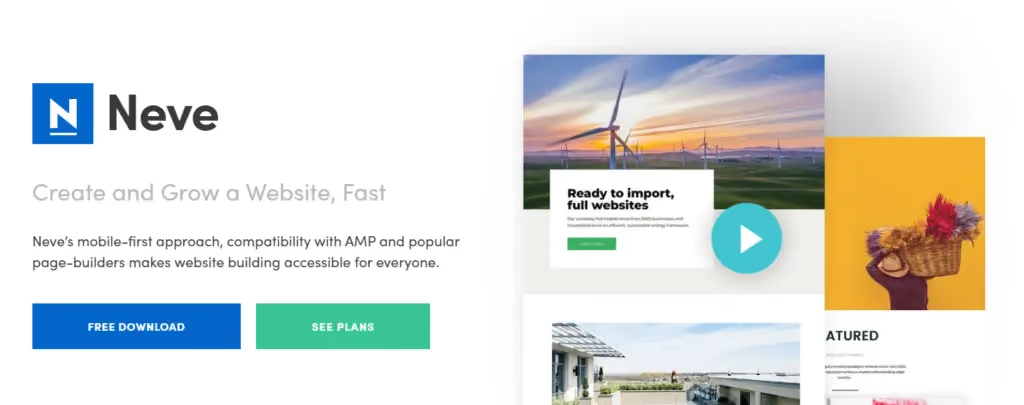
5. Neve – Perfect for business websites
Neve is a theme that is lightweight, fast-loading, and page-builder friendly. It is designed for business websites, helping to display content professionally without compromising loading speed.
Pros:
- Clean, professional interface, well-suited for businesses.
- Optimized for speed, helping websites achieve high scores on Google PageSpeed.
- Includes a wide range of beautiful, ready-to-use website templates.
5 Important things to keep in mind when using WordPress themes
Choosing a beautiful design isn't enough; you also need to consider key factors to ensure your website runs stably and performs optimally.
1. Choose a fast-loading theme
Page loading speed is a critical factor affecting both SEO and user experience. Check the theme's speed before using it with tools like Google PageSpeed Insights or GTmetrix.
Tips for choosing a speed-optimized theme:
- Prioritize lightweight themes with minimal bloat.
- Avoid using too many complex effects that slow down your site.
- Combine with speed optimization plugins like WP Rocket or LiteSpeed Cache.
2. Choose a mobile-responsive theme
Today, the majority of users access the web via mobile devices. A mobile-friendly theme will help increase engagement and improve your SEO rankings.
How to check:
- Use the Google Mobile-Friendly Test tool to evaluate mobile responsiveness.
- Check how it displays on different devices before deciding to use it.
3. Ensure the theme is SEO-friendly
An SEO-optimized theme will help your website rank higher on Google more easily. Check if the theme supports key elements such as:
- A logical HTML structure with support for heading tags (H1, H2, H3).
- Integrated Schema Markup to help Google better understand your website content.
- Optimized page loading speed to avoid being penalized by Google.
4. Avoid using nulled (pirated) themes
Many people tend to download paid themes from unofficial sources to use them for free. However, this is a major risk as they may contain malicious code, compromising your website's security.
Risks of using nulled themes:
- Easily exploited by hackers due to security vulnerabilities.
- Lack of regular updates, leading to errors when WordPress is upgraded.
- Potential to contain malware or hidden links that negatively impact SEO.
5. Check the theme's support and update history
A good theme needs to be updated regularly to remain compatible with the latest WordPress versions. Before choosing, check:
- The theme's most recent update frequency.
- Developer support (are there forums or documentation available?).
- User reviews on WordPress.org or tech forums.
Choosing and using a theme for WordPress not only makes your website look more professional but also directly impacts its performance and SEO. Currently, themes like Astra, GeneratePress, OceanWP, Divi, and Neve are popular choices due to their flexibility and excellent optimization.
Conclusion
A theme for WordPress determines not only the appearance but also the speed, user experience, and SEO performance of your website. Choosing the right theme, along with proper installation and optimization, will help you build a professional, engaging, and effective website. Prioritize lightweight, SEO-optimized, and mobile-responsive themes while ensuring security to keep your website running stably and sustainably!


