


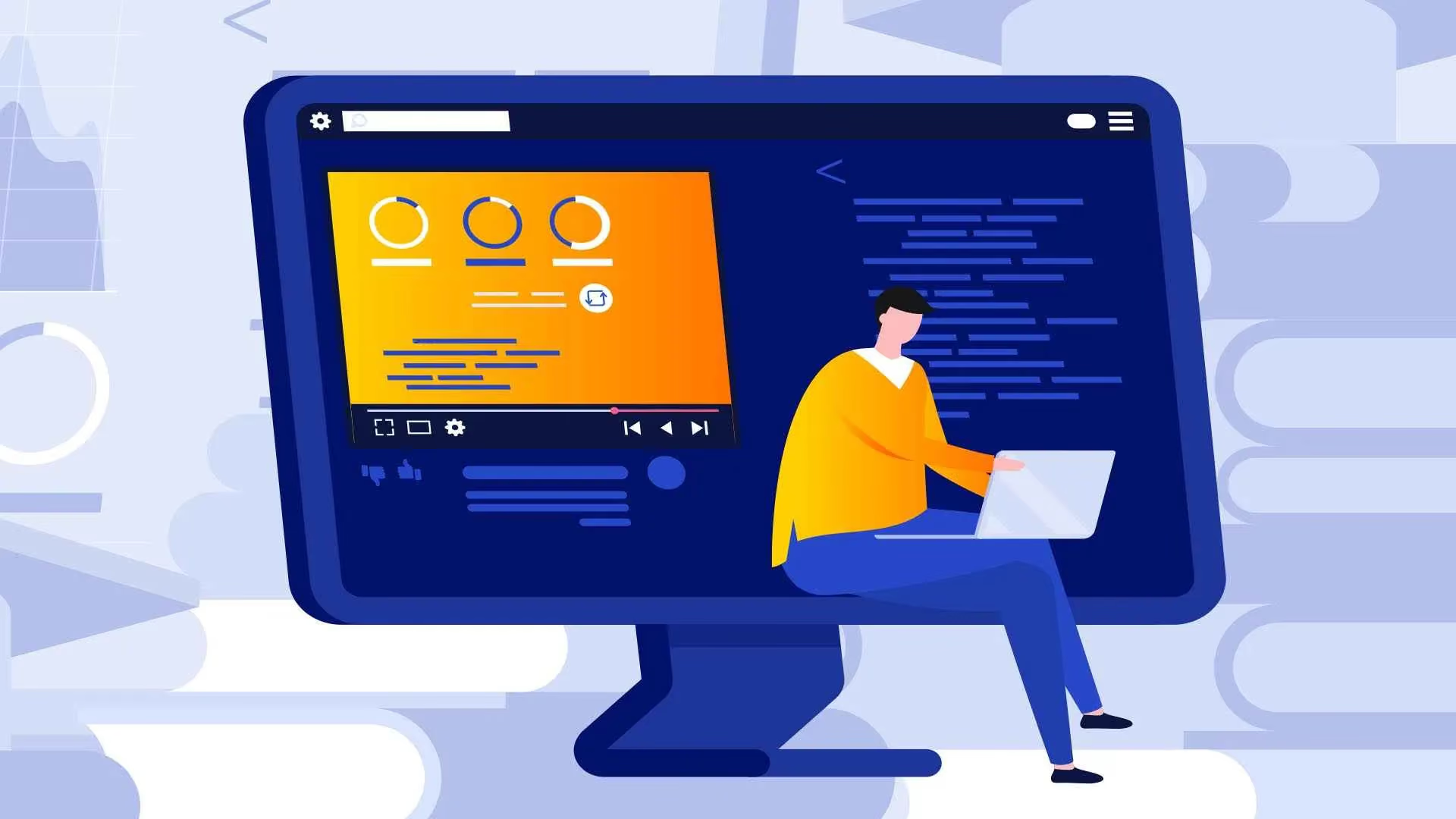

Have you ever browsed a website and thought, "wow, that's smooth and lively"? That is the power of animation in web design. More than just eye-catching movement, animation acts as a "silent storyteller," guiding the user's eye, creating an intuitive experience, and helping a website make a great first impression. Let's join Markdao to explore what animation is and why it is so important in modern web design.
What is animation?
Animation is the process of creating movement or dynamic effects from static images. On a website, animation is not just about moving images; it helps convey messages, guide users, and enhance the visual experience.
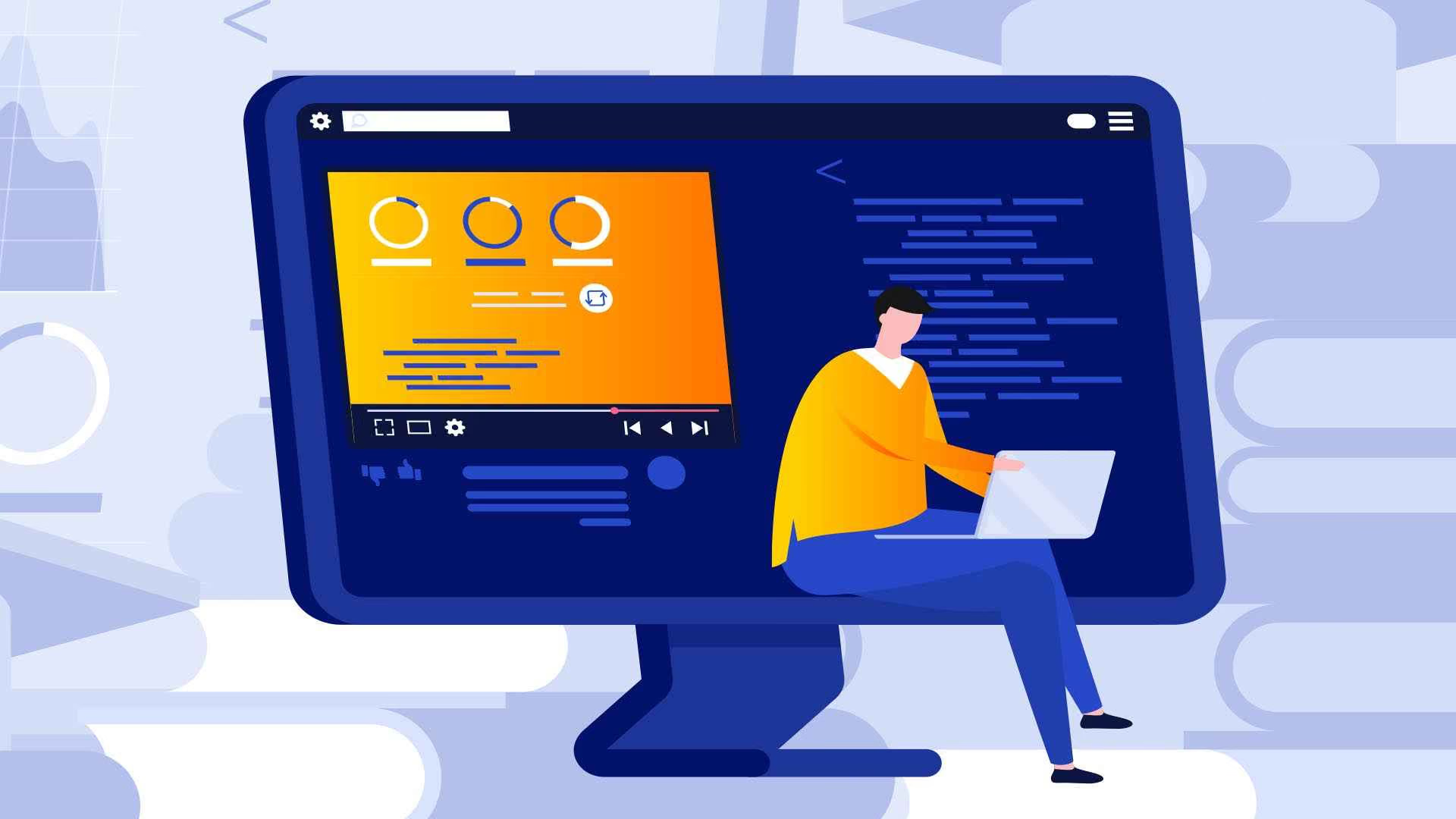
In the past, animation was often associated with cartoons or entertainment products. But in modern web design, animation has become an essential tool, helping websites become more lively, engaging, and interactive.
Key characteristics of animation in web design:
- Purposeful movement: Every animation effect should serve a specific goal, such as guiding the user, highlighting important content, or creating visual harmony.
- User interaction: Animation often appears when users hover, click, or scroll, creating an intuitive experience and seamless interaction.
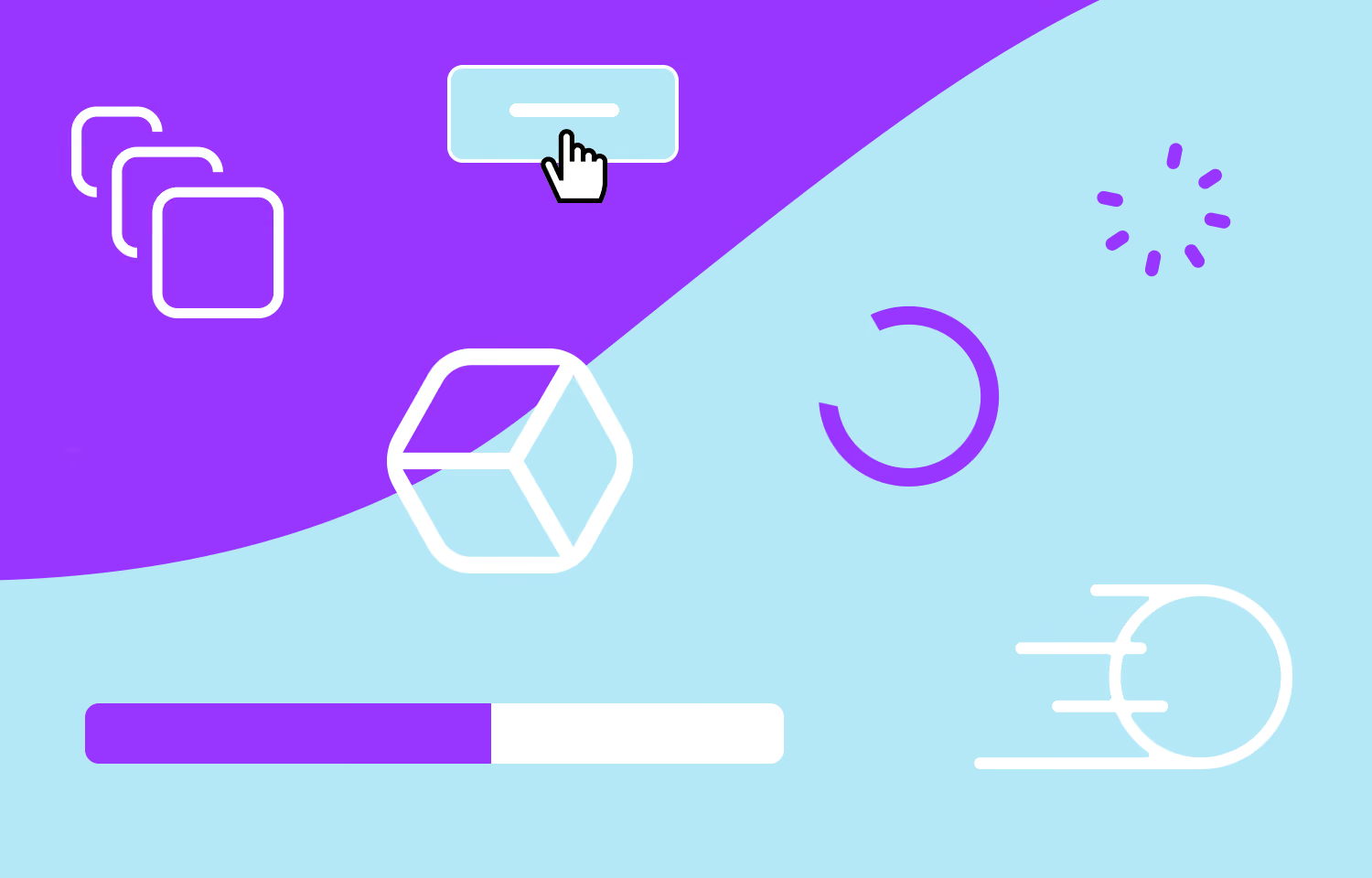
- Diverse forms: There are many types of animations on websites, from micro-interactions (small interactions like button clicks) to loading animations (page loading effects) or parallax scrolling (background layer movement during scrolling).
Animation not only makes a website look visually appealing but also helps convey information intuitively, reduces monotony, and enhances user experience (UX). A website with intelligently implemented animation is more memorable, leaves a lasting impression on visitors, and increases engagement and conversion rates.
Distinguishing Animation from Motion Graphics
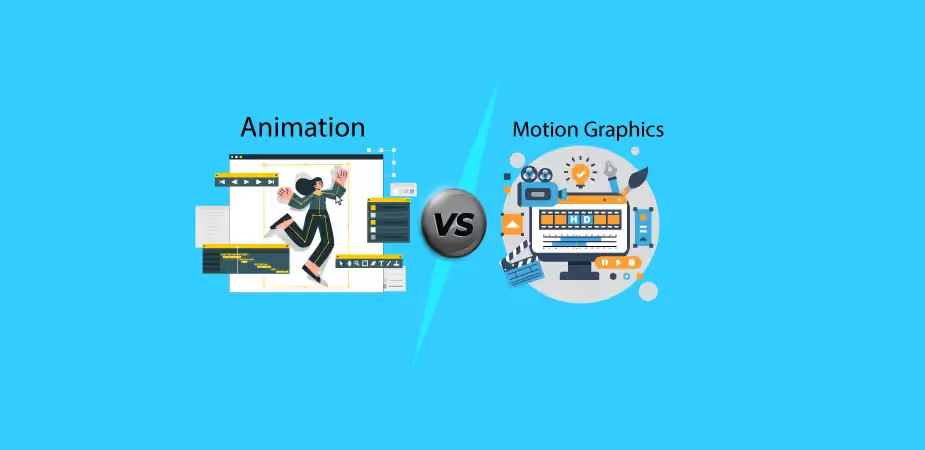
Animation and motion graphics are often confused, but they actually serve different purposes and use different techniques in digital design. Understanding the difference will help you choose the right solution for your website or creative project.
1. Concept:
- Animation: The art of creating movement from static images to tell a story or convey emotion. It is typically associated with characters, narratives, or specific scenarios.
- Motion Graphics: A form of graphic animation that primarily uses graphic elements like text, icons, and shapes to convey information or ideas. It focuses on communicating messages visually, rather than storytelling.
2. Purpose:
- Animation: Often used for storytelling, creating emotion and connecting with viewers. Examples: animated product guide characters, short promotional videos.
- Motion Graphics: Often used to convey information, illustrate data, or create effects for websites and marketing videos. Examples: animated charts, motion infographics, advertising banners.
3. Techniques and formats:
- Animation: Uses hand-drawn, 2D, 3D, or stop-motion techniques. Can involve characters, scenery, or complex illustrative elements.
- Motion Graphics: Primarily uses vector graphics, typography, icons, and shapes; rarely involves character creation or direct storytelling.
4. Viewer experience:
- Animation: Creates a rich, emotional, and entertaining experience. Viewers typically focus on the story or characters.
- Motion Graphics: Creates a visual, fast-paced, and easy-to-understand experience. Viewers focus on the information and message rather than characters or stories.
Animation and Motion Graphics are both powerful tools in digital design, but they serve different purposes:
- Animation → storytelling, creating emotion.
- Motion Graphics → conveying information, visual illustration.
Understanding this difference helps designers and developers choose the right tools to enhance the user experience on a website, while creating vivid effects without overwhelming visitors.
Common types of website animation
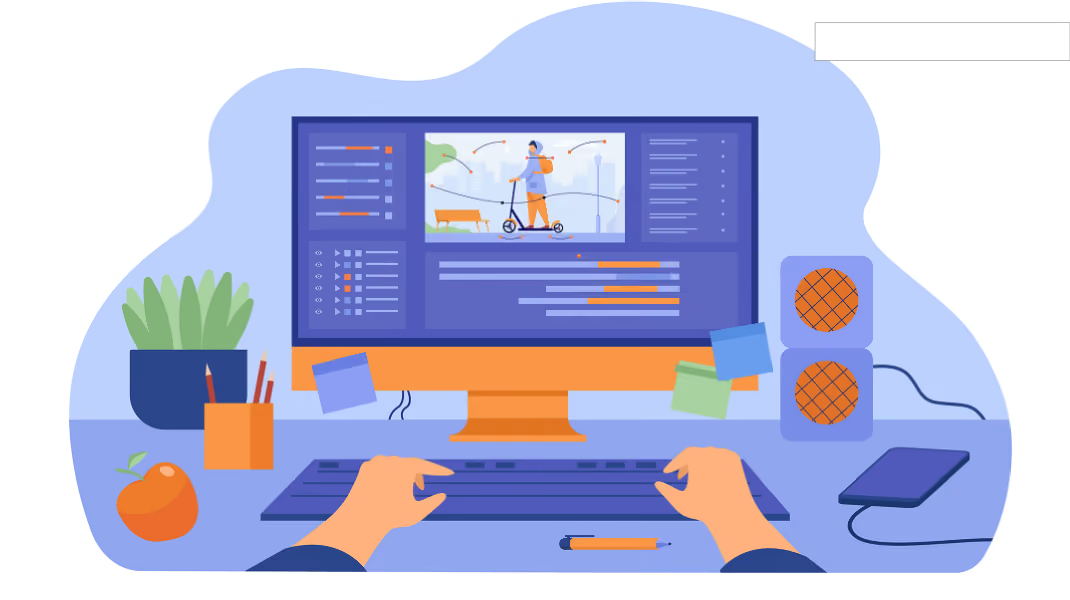
Animation on a website not only brings the page to life but also enhances the user experience. Below are the most common types of animation that designers often use:
1. Hover Effects
- These are effects that appear when a user hovers their mouse over an element on a website, such as a button, image, or link.
- Purpose: to create visual interaction, help users identify clickable elements, and improve UX.
- Examples: color changes, image zooming, or drop shadow appearances.
2. Loading Animations
- These appear while a website or content is loading.
- Purpose: to reduce the user's perceived wait time and create a smoother experience.
- Examples: progress bars, spinning icons, or brand-specific animations.
3. Micro-Interactions
- These are small effects that respond to user actions, such as clicking, scrolling, or dragging and dropping.
- Purpose: to guide users, make the experience more intuitive, and increase the feeling of "vivid interaction."
- Examples: buttons changing state, "like" icons popping, or toggle switch animations.
4. Parallax Scrolling
- A technique where background and foreground layers move at different speeds as the user scrolls.
- Purpose: To create depth, a subtle 3D effect, and enhance visual appeal to capture attention.
- Example: The background moves slower than the foreground, giving the website a "living" feel.
5. Background Animations
- Animations that run in the background of a webpage to create a sense of subtle movement.
- Purpose: To enhance aesthetics and make the website feel more modern and dynamic.
- Example: Shifting gradients, water ripples, floating clouds, or dynamic lighting effects.
6. Scroll-triggered Animations
- Effects that trigger when a user scrolls to a specific section of content.
- Purpose: To highlight important content and guide the user's eye to key information.
- Example: Text fading in, images appearing, or cards sliding onto the screen.
Overall, choosing the right type of animation helps a website be both eye-catching and intuitive, without slowing down page load times or overwhelming the user.
The Vital Role of Animation in Website Design
Imagine entering a completely static website: flat text, still images, and no movement whatsoever. It feels a bit "stiff," doesn't it? This is where animation shows its true power.
Website animation is more than just "decoration"; it is a tool that makes a site feel alive and easier to navigate. When you hover over a button and it gives a subtle bounce, or a small icon glows as you scroll, you immediately know the website is responding to your actions. These seemingly simple details are how animation keeps users engaged and makes the experience more enjoyable.
Furthermore, animation helps convey messages quickly and intuitively. Instead of reading a long paragraph explaining a product or service, users can simply watch an animated infographic or a micro-interaction to grasp the meaning instantly. It’s like storytelling through visuals—fast, clear, and memorable.
Beyond improving UX, animation acts as the "spice" that elevates aesthetics and brand value. A smooth website with refined effects and well-timed transitions leaves a lasting impression and makes a brand appear more professional in the eyes of its customers.
And don't forget, animation also helps increase engagement and conversion rates. A gently pulsing "Sign Up" button, imagery that guides the user's gaze, or subtle scroll effects encourage users to take action—from clicking and filling out forms to making a purchase.
In short, animation is the moving soul of a website, making everything feel alive, engaging, and memorable. A website with smart animation is not only beautiful but also intuitive, easy to understand, and effective at driving user action.
Principles for using animation in website design
Animation is a fantastic tool for making a website lively and engaging, but if used poorly, it can be distracting, degrade the user experience, or slow down page load times. Here are the key principles for using animation intelligently and effectively.
1. Use animation sparingly and with purpose
Every animation effect should serve a clear goal rather than just being there for "decoration." A website with too much animation will distract users and make it difficult for them to focus on important content.
Examples of effective animation use:
- Buttons with hover effects to let users know an element is clickable.
- Small pulsing icons to highlight important information.
- Micro-interactions that provide visual feedback when a user completes an action, such as submitting a form or sending feedback.
Choose animations for the most important elements to create focal points without cluttering the website.
2. Optimize speed and performance
A website with heavy animations will slow down load times, especially on mobile devices. Today's users are rarely patient enough to wait for a slow site, and poor performance directly impacts bounce rates.
Key considerations:
- Use lightweight image files and appropriate formats, such as SVG for vectors.
- Limit the number of simultaneous animations.
- Use CSS animations instead of complex JavaScript whenever possible to optimize performance.
Every animation should be smooth, quick, and unobtrusive to page speed, while still being distinct enough for the user to notice the movement.
3. Ensure a consistent user experience across all devices
Modern websites must be compatible across desktops, tablets, and smartphones. Animations should be thoroughly tested on various devices to ensure they do not display incorrectly or obscure content.
Key considerations:
- Check compatibility with popular browsers.
- Avoid overly complex animations on mobile, as small screens require simplicity and clarity.
- Adjust the speed or remove unnecessary effects on devices with lower processing power.
Always design animations with the user experience at the center; they should be not only "beautiful" but also "easy to use."
4. Synchronize with color, typography, and layout
Animations should not appear randomly; they need to harmonize with the overall website design. A beautiful effect that clashes with the color scheme or font will make the website look unprofessional.
Tips for coordinating animations:
- Align motion effects with your brand's primary colors.
- Use animation to highlight key elements while maintaining visual balance.
- Control spacing and layout so that animations do not disrupt the overall harmony.
Animation is an extension of the design language, helping to make information more intuitive while maintaining aesthetic appeal.
5. Control timing and intensity of motion
The timing and intensity of an animation define the user experience. An animation that is too fast will be missed by the user's eye, while one that is too slow will feel tedious.
Practical tips:
- Micro-interactions should be concise, lasting between 0.2 and 0.5 seconds, which is enough for the user to perceive the feedback.
- Page scroll or hover effects can be slightly longer, around 0.5 to 1 second, to create a smooth feel.
- Avoid continuous or repetitive animations, as they can easily cause eye strain.
Properly controlling the timing and intensity of motion will make animations feel natural, intuitive, and engaging without being distracting to users.
Applying smart animation makes a website both lively and easy to use. The fundamental principles are:
- Every effect must have a clear purpose
- Optimize speed and performance
- Ensure compatibility across all devices
- Maintain consistency with the overall design
- Control timing and motion intensity effectively
When these principles are followed, animation becomes the dynamic soul of the website, creating an engaging, professional experience that helps your brand stand out to users.
Conclusion
Animation is more than just eye-catching motion effects; it is a strategic tool that makes a website lively, intuitive, and memorable. From capturing user attention in the first few seconds and guiding their journey to conveying messages quickly and enhancing brand value, animation is the essential "dynamic soul" of modern web design.
However, using animation intelligently is not just about adding more effects. It is crucial to ensure that every movement has a clear purpose, is optimized for speed and performance, aligns with the overall design, and provides a seamless user experience across all devices. When done correctly, your website will not only look beautiful but will also deliver a smooth, user-friendly experience that leaves a lasting impression on your customers.
If you want to transform your website into a vibrant, captivating, and professional space, start harnessing the power of animation today. At Markdao, we provide web design solutions that integrate smart animation, helping you create unique experiences, elevate your brand, and make a lasting impact on your users.


