



What is required for a website to operate reliably? Businesses need at least eight foundational elements: domain, hosting, structure and interface, content, functionality, security, testing, and a post-launch operational plan. Each component addresses a specific risk; missing a link can result in an inaccessible website, management difficulties, or an inability to measure performance.
What is a website and why is website design necessary?
A website can be simply understood as a collection of online information pages hosted at a unique address (domain), allowing users to access it via the Internet. A website acts as a "virtual store" or "virtual office" for a business in the digital space.
- A website can include pages such as: About Us, products/services, news, contact, etc.
- Common types of websites: corporate websites, e-commerce websites, personal blogs, forums, etc.
- Through a website, businesses can showcase their brand, provide information, and interact directly with customers.
Why is website design necessary?
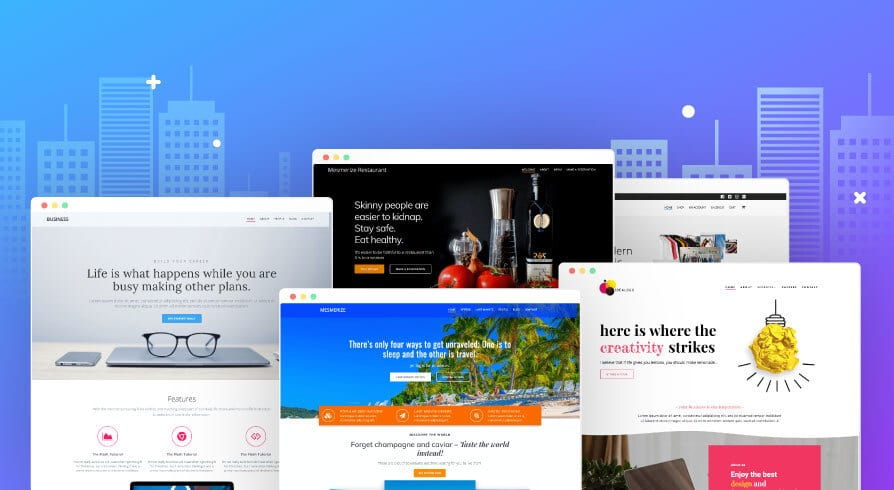
Designing a website is not just about creating a place to post information; it is a way to build a professional image and stay competitive in the market. A well-invested website offers many benefits:
- Establish credibility & brand identity: A professional website helps businesses build trust with customers.
- Reach customers 24/7: Unlike a traditional store, a website is always active, allowing customers to find information at any time.
- Increase marketing & sales potential: Websites can integrate SEO, advertising, and online shopping carts to drive sales.
- Multi-channel connectivity: A website serves as a "hub" that links to other platforms like Facebook, TikTok, YouTube, etc., helping to make marketing strategies synchronized and effective.
- Maintain a digital presence: A website helps customers proactively find information, products, and ways to contact your business.
In short, website design is no longer an option but has become a mandatory requirement if a business wants to survive and grow sustainably in the digital age.
What does a website need to run reliably?
For a website to operate reliably and become an effective business tool, businesses need to prepare a variety of elements. A website needs to be more than just visually appealing; it must have a solid technical foundation, engaging content, and secure operational mechanisms.
1. Domain Name – Your brand's digital address
A domain name is your website's address on the Internet, helping customers find you easily. It acts as your "digital street address," tied directly to your brand identity and business credibility.
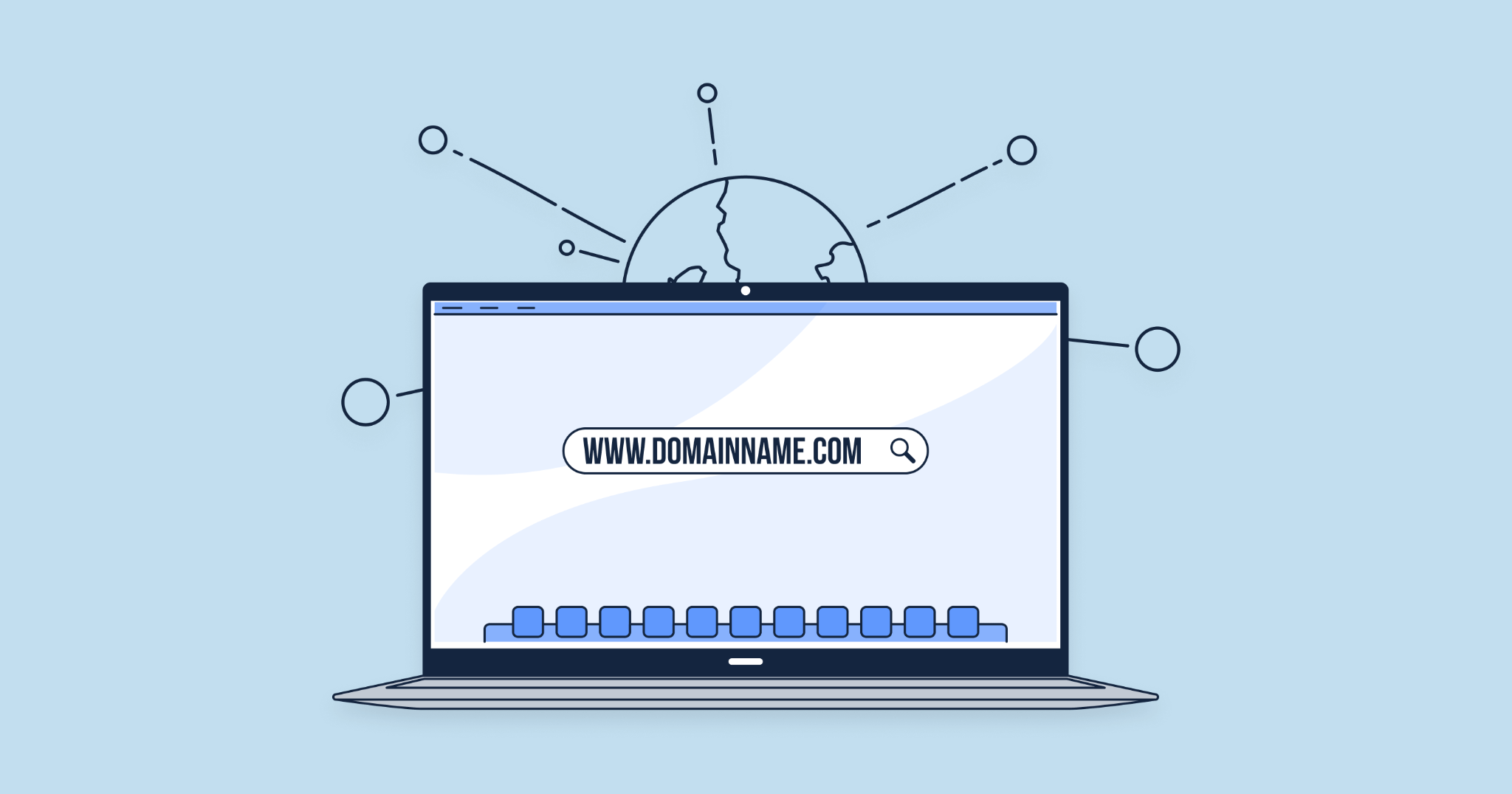
When choosing a domain name, keep the following in mind:
- Keep it short, memorable, and easy to type, and avoid complex characters.
- Make it relevant to your brand or industry so customers can easily identify you.
- Prioritize popular domain extensions such as .com, .vn, or .net to increase credibility.
- Register early and renew on time to avoid losing it to competitors.
A carefully chosen domain will serve as the foundation for building a long-term brand on the Internet.
2. Hosting – Where your website "lives"
If the domain is the address, then hosting is the plot of land where your website house is built. This is where all your data, such as images, videos, content, and source code, is stored. Quality hosting ensures your website loads quickly and remains stable, while poor hosting can lead to slow speeds, frequent crashes, and lost customers.
Key factors to consider when choosing hosting:
- Storage & Bandwidth: ensure they align with your website's scale.
- Access Speed: directly impacts user experience and SEO.
- Scalability: easy to upgrade as your website grows.
- Security System: includes firewalls, DDoS protection, and regular data backups.
Common types of hosting:
- Shared Hosting: low cost, suitable for small websites.
- VPS: dedicated resources, stable speeds, suitable for medium-sized businesses.
- Cloud Hosting: flexible, easily scalable, highly secure.
Choosing the right hosting means building a solid foundation for your website's long-term performance.
3. User Interface & User Experience (UI/UX) Design
Your website interface is the online face of your business, where customers form their first impression of you. Good interface design doesn't just make a website look beautiful; it must also provide a convenient and seamless experience for users.
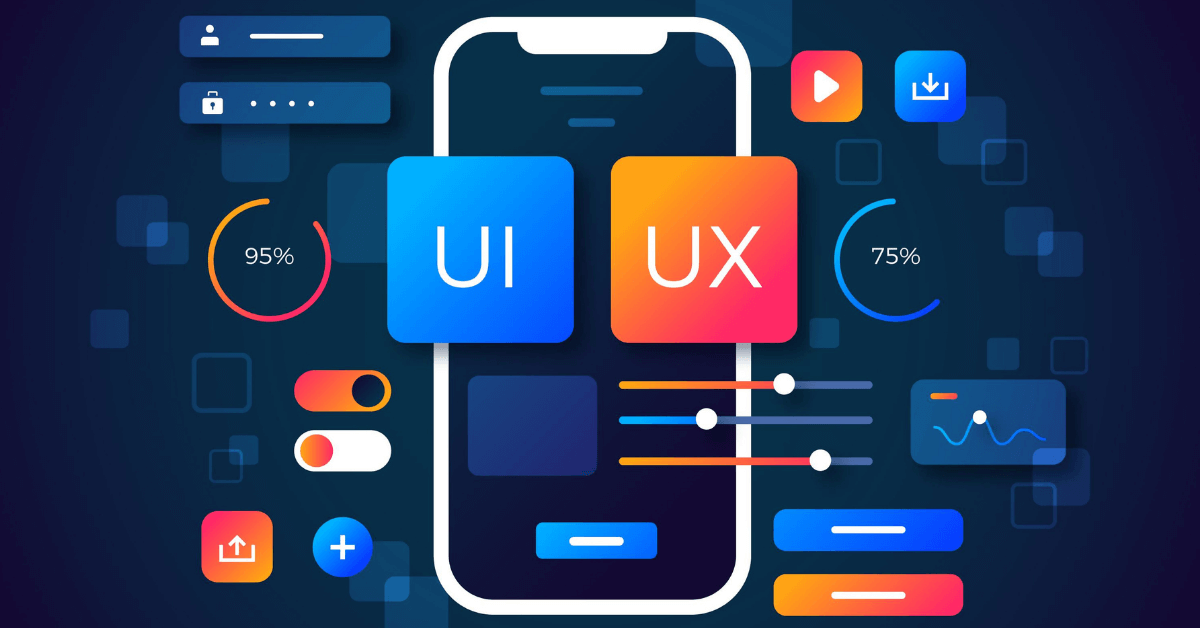
Key elements in website design:
- Professional, modern design: aligned with your industry and brand identity.
- Responsive Design: displays perfectly on all devices, from desktops to mobile phones.
- UX (User Experience) Optimization: clear layout, easy information retrieval, and prominent CTAs.
- SEO-friendly: optimized URL structure, page load speed, headings, and images from the start.
A website with a beautiful interface that is difficult to use will cause customers to leave immediately. Conversely, a website optimized for UI/UX will retain users, increase conversion rates, and effectively support your business operations.
4. Content – The soul of your website
A website with a beautiful interface but empty content is like a luxury store with no products. Content is the soul of the website, helping to convey your brand message, provide information, and persuade customers.
Essential types of content needed when launching a website:
- Homepage: your first touchpoint, providing an overview of the business and highlighting key products/services.
- About Us page: builds trust by sharing your brand story, mission, and core values.
- Products/Services page: presents details clearly, accompanied by images and a call to action (CTA).
- Contact page: includes contact information, a map, and a quick support form.
- Blog/News: shares knowledge, trends, and useful tips to boost SEO and maintain customer engagement.
Content should be SEO-optimized, easy to understand, and concise yet informative. A website rich in quality content will not only retain customers but also improve your Google rankings.
5. Features & supporting tools
A website with only a basic interface and content often struggles to meet real-world needs. Businesses need to integrate Features and support tools to ensure your website truly comes to life and delivers business value.
Essential features by website type:
- E-commerce websites: shopping cart, online payment, order management, and shipment tracking.
- Service websites: booking forms, chatbots, online reservations, and quick quotes.
- Corporate websites: downloadable resources, social media integration, and email signup forms.
Additionally, tools for managing and optimizing your website are crucial:
- Google Analytics: track user behavior and measure marketing effectiveness.
- Google Search Console: monitor SEO performance and detect display errors.
- SEO plugins (such as Yoast, RankMath): assist with content optimization.
- Security & speed optimization plugins: keep your website secure and running smoothly.
Depending on your business goals, choosing the right features will help your website perform more effectively and enable your business to maximize its online presence.
6. Security & SSL Certificates
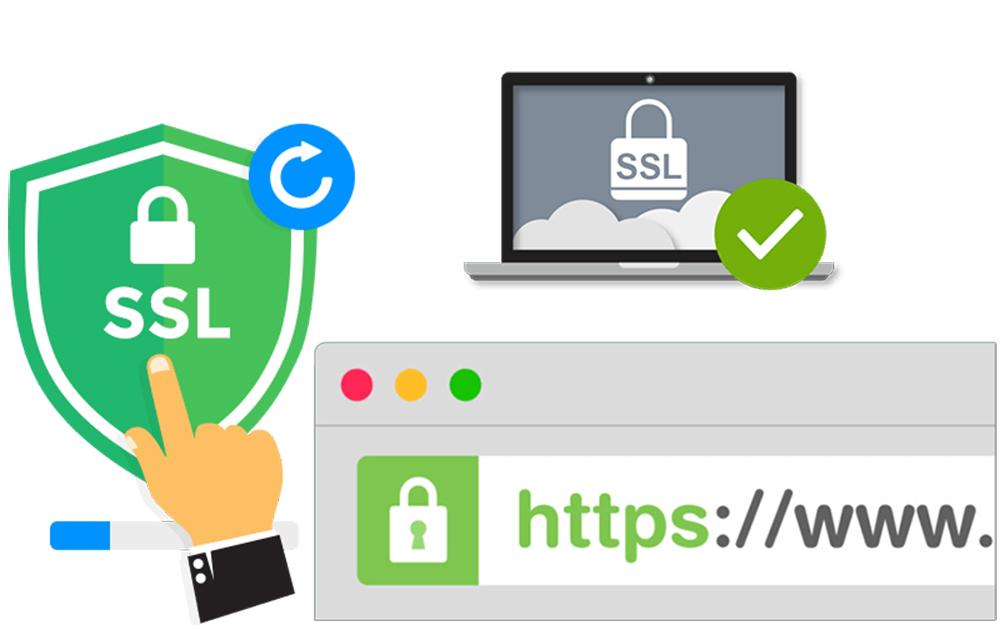
Security is an essential element of website design. An insecure website not only erodes customer trust but is also vulnerable to hackers and data theft.
Key security solutions:
- SSL Certificate (https): encrypts transmitted data, boosts customer trust, and is prioritized by Google for ranking.
- Regular data backups: prevents data loss in the event of an incident.
- Firewall & DDoS protection: protects the website against cyberattacks.
- Update to the latest versions for CMS (WordPress, Joomla, etc.) and plugins to avoid security vulnerabilities.
Investing in security is a smart move to ensure your website runs stably and sustainably while building customer trust.
7. Testing & Deployment
Before officially launching your website, the testing process is absolutely essential. It helps identify and resolve technical bugs early and optimizes the user experience so the website is ready for operation.
Key items to test:
- Page load speed: use tools like Google PageSpeed Insights for measurement.
- Multi-device responsiveness: ensuring the website performs well on desktop, mobile, and tablet.
- Features: testing contact forms, shopping carts, checkout processes, chatbots, etc.
- Links: avoiding broken links that lead to a poor user experience.
- CTA & conversion: testing call-to-action buttons and registration forms to ensure effectiveness.
Only after passing rigorous testing should a website be officially launched.
8. Long-term Maintenance & Development
Many businesses think that once a website is designed, the job is done, but in reality, a website requires continuous maintenance and development to maximize its value.
Tasks to perform after the website goes live:
- Regular content updates: blog posts, news, and new products.
- Periodic technical maintenance: patching security vulnerabilities, optimizing speed, and upgrading plugins.
- Data tracking & analysis: using Google Analytics to understand customer behavior.
- Continuous SEO optimization: improving keywords, backlinks, and content structure to boost rankings.
- Integrated digital marketing: running ads, email marketing, and social media campaigns to attract customers.
A well-maintained website becomes a powerful asset that helps businesses reach customers, increase revenue, and maintain a competitive edge.
Website launch checklist
Before the launch date, businesses should test the entire system using real content and data. A website ready for operation must meet the following criteria:
- The domain is correctly pointed, HTTPS is active, and administrative credentials have been clearly handed over.
- Hosting or the publishing platform meets traffic, backup, and data recovery requirements.
- The interface displays correctly on desktops, mobile devices, and popular browsers.
- Official content has been approved; images are properly sized and include alt text where necessary.
- Forms, call buttons, emails, payment gateways, and conversion flows have been tested.
- Titles, descriptions, headings, canonical tags, sitemaps, and indexing permissions are correctly configured.
- Analytics tools are accurately tracking form submissions, calls, orders, and other key actions.
- There is a designated person responsible for updating content, troubleshooting, and monitoring the website post-launch.
This checklist should be verified item by item. Having a feature in place does not mean it is working correctly; forms, tracking, redirects, and access permissions must be tested in real-world scenarios.
How long does it take to complete a website design project?
Only after confirming the domain, hosting, content, functionality, and approval process can a business build a reliable timeline. You can check out the article How long does website design take? A phase-by-phase timeline to estimate the time required based on project type and implementation milestones.
If you need to evaluate a specific scope, please refer to Markdao's website design services and our portfolio of completed website projects before finalizing the platform, features, and delivery schedule.
Conclusion
What is required for website design goes beyond just domain names or interfaces. A website can operate reliably when technical aspects, content, security, analytics, and management processes are prepared in sync. Clearly defining these eight foundational areas from the start helps businesses estimate costs more accurately, control progress, and reduce the need for revisions after launch.


